What Is a Phishing Simulation?
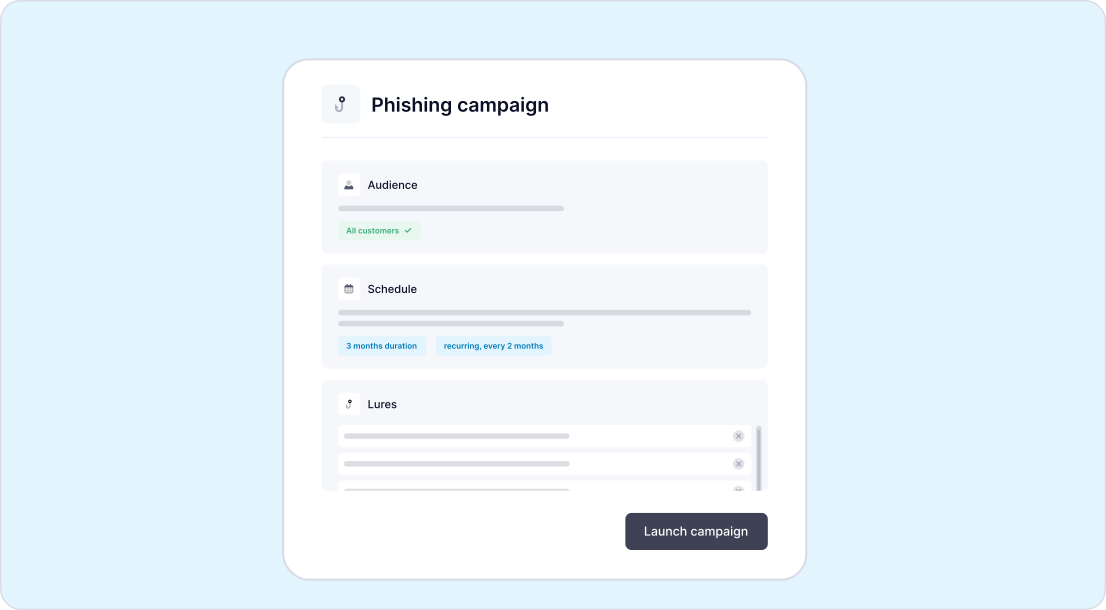
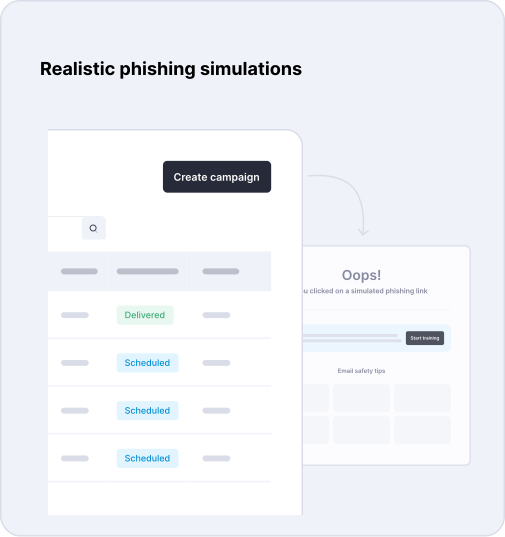
A phishing simulation is a safe, controlled test that uses realistic phishing emails based on genuine attack techniques, delivered in the same way a real attack would.
Full Activity Logging
Every campaign logs who opened the email, clicked a link, entered credentials, or correctly reported it as suspicious.
Built From Real Attacks
Drawn from a continuously updated library covering BEC, credential harvesting, brand impersonation, and executive spoofing.
Adjustable Complexity
Every template can be set to Low, Medium, or High complexity, so testing gets harder as a client's team improves.
Template Categories Covered
Business Email Compromise
Tests whether staff verifies unusual payment or data requests that appear to come from a colleague or executive, without a malicious link involved.
Credential Harvesting
Tests whether staff enter login details into a fake portal page designed to look like a trusted, familiar sign-in screen.
Brand Impersonation
Tests whether staff recognizes impersonation of a trusted vendor, platform, or well-known brand used to lend false credibility to a lure.
Executive Spoofing
Tests whether staff question an urgent request that appears to come directly from a senior leader or executive.
QR Code Phishing
Tests whether staff scan an embedded QR code without checking its source, a tactic that bypasses traditional link-scanning tools.
Malicious Attachements
Tests whether staff open an unexpected attachment, such as an invoice or document, without verifying the sender first.
Built for Scale
Running Campaigns Across Every Client Tenant
For an MSP, the real test of a phishing simulation tool is not one campaign for one client. It is dozens of campaigns running on different schedules for every tenant, without a technician reconfiguring the setup each time.
- Group clients by industry or risk level and launch the same campaign to all of them at once
- Set recurring campaigns that run automatically, with no manual rescheduling each quarter
- Add or remove users mid-campaign as client headcount changes, with no need to rebuild the test
- Apply different complexity levels per client, so a mature security client is tested harder than one just starting out
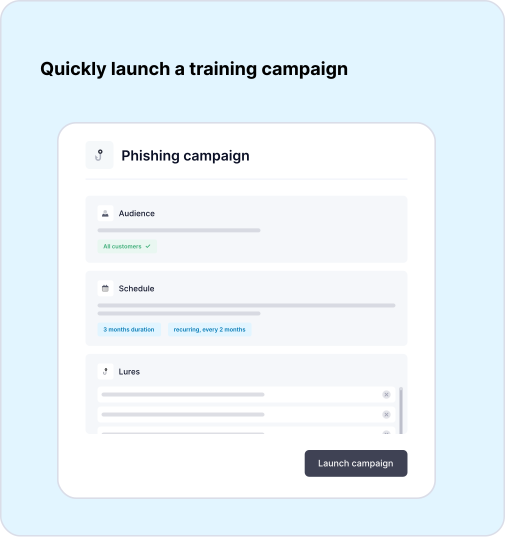
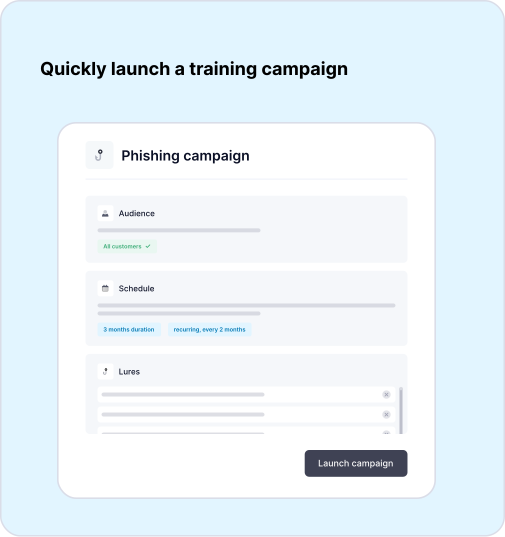
CyberSentriq's multi-tenant console lets an MSP build a campaign once and roll it out to a group of customers together, rather than configuring each tenant individually. Recurring campaigns can be scheduled to run automatically on a 3, 6, 9, or 12-month cadence, so testing never lapses for that period.

Three Ways to Run a Campaign
Campaigns run in three delivery modes, injected directly into the mailbox to avoid manual allow-list or firewall configuration, so tests stay realistic from the moment they land.
-
 01
01Normal Mode
Sends one phishing template to every recipient at the same time, ideal for a first, simple campaign.
-
 02
02Batch Mode
Spreads the same template across recipients over a set window, so an early clicker cannot tip off colleagues before the test completes.
-
 03
03Burst Mode
Rotates up to ten templates across a period, closely mirroring how a real attacker varies lures within a single campaign.

Automated Remediation
From Click to Correction
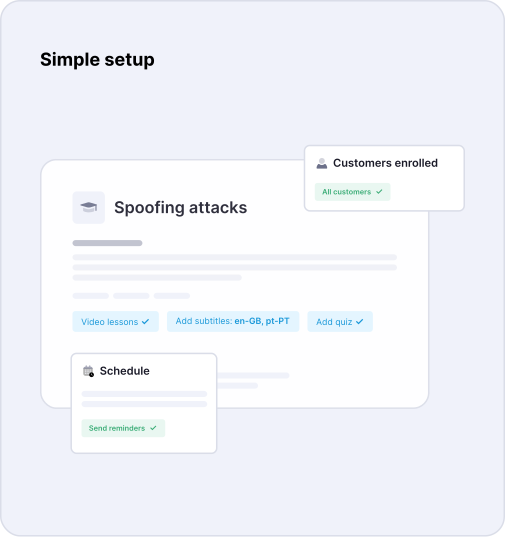
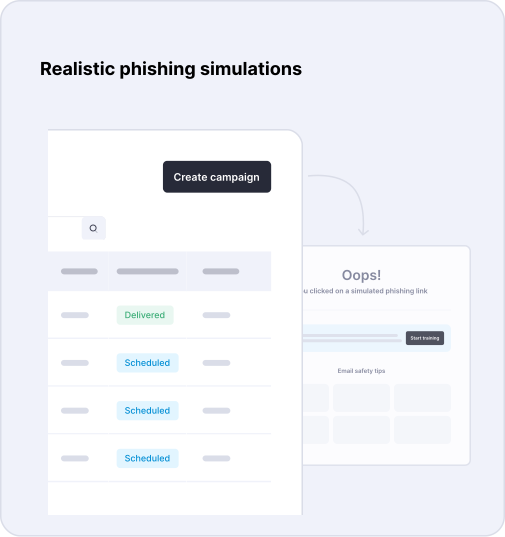
When a user clicks a simulated phishing link or opens a flagged attachment, CyberSentriq automatically enrols them into short, targeted training, no technician needs to review results or assign a course manually.
Closes the Loop Instantly
Training is triggered while the mistake is still fresh, far more effective than a generic annual session delivered months later.
Proof For Every Client
Reporting shows each slip was followed by a correction, giving MSPs evidence of action, not just awareness.
Scales With Risk
Repeat clickers are automatically escalated into more frequent testing, so the response matches their actual track record.
Measuring Success: The Metrics That Matter
Click Rate
How many people clicked the simulated phishing link, the baseline measure of human risk before training takes effect.
Report Rate
How many people correctly flagged the email as suspicious instead of clicking, a sign staff are actively defending rather than just avoiding mistakes.
Repeat Offender Rate
How many people click more than once, identifying which individuals need escalated or more frequent follow-up training.
Industry Benchmark
Average phishing click rates sit close to 38 percent across sectors before any training is introduced.
Results Over Time
Regular, automated simulations typically bring click rates down to single digits, tracked campaign by campaign.
Proof of Improvment
A falling click rate alongside a rising report rate, tracked over several campaigns, is the clearest evidence training is working.
Two Layers of Phishing Defence
Phishing Simulation vs. Inbound Phishing Protection
Email security blocks most phishing emails before they reach users. Phishing simulation trains employees to recognize and respond to the sophisticated attacks that bypass technical controls, creating a stronger, layered defence.
- Inbound phishing protection stops the vast majority of malicious emails before they reach users' inboxes.
- Phishing simulation safely tests and strengthens employees' ability to identify and respond to realistic phishing attacks.
- Together, they provide layered protection, combining advanced email filtering with ongoing user awareness and resilience.
- No email security solution is perfect. As AI-generated phishing becomes more convincing, trained users remain the final line of defense when malicious emails evade detection.
Deliver Measurable Security Value at Scale
What This Means for MSPs
Phishing simulation is more than a security control. It becomes a scalable, recurring service that improves client security, demonstrates measurable value, and strengthens long-term customer relationships.
- Manage phishing campaigns for every client from a single multi-tenant console.
- Automate remediation and training while providing measurable evidence of reduced user risk.
- Demonstrate progress with clear click-rate metrics that support renewals and upsell opportunities.
- Scale profitable phishing services through automated campaigns and reporting, not additional technician hours.
Phishing Simulation Frequently Asked Questions
A phishing simulation is a controlled, safe test email built to look like a real phishing attack. It measures how employees respond, whether they click, enter details, or correctly report it, without any real risk to the business. Results feed directly into targeted follow-up training.
Regularly, not as a one-off. CyberSentriq supports recurring automated campaigns on a 3, 6, 9, or 12-month cycle, which keeps testing consistent without adding manual work for the MSP, and produces the ongoing trend data clients need to see.
No. Simulation tests human behavior; email security, like a Secure Email Gateway and Integrated Cloud Email Security, blocks malicious mail before it arrives. Clients need both layers working together to be properly protected end-to-end.
Yes. CyberSentriq's multi-tenant console lets an MSP group clients and launch shared campaigns, or run tenant-specific campaigns, all from a single dashboard, without configuring each customer environment individually.
The click is logged immediately, and the user can be automatically enrolled into a short, targeted training module addressing the specific tactic used, closing the loop between mistake and lesson without manual follow-up from the MSP.