Archive Lost When Account Is Deleted
When a Google Workspace account is deleted, Vault data is removed with it. Without an independent archive, that email is gone permanently.

Geraldine Hunt
Head of Content Marketing & Brand



Why Google Vault Is Not Enough?
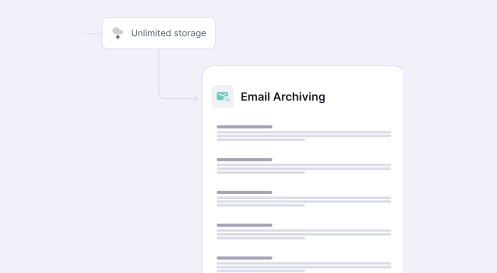
Google Vault is a data retention and eDiscovery tool built for internal administrative use. It was not designed to meet the independent email archiving requirements of FINRA, the SEC, HIPAA, or the GDPR. For MSPs managing Google Workspace environments, the gap is operational and legal. When a customer faces a litigation hold, a regulatory audit, or a ransomware event, Vault's limitations become a service delivery problem and a liability.
Google Vault stores data in the same environment it protects. A compromised or deleted Google Workspace account can destroy the archive with it.
Vault lacks granular legal hold workflows, chain-of-custody documentation, and the audit trail that regulators and courts require for defensible eDiscovery.
Regulatory frameworks including SEC 17a-4 and FINRA 4511 require WORM storage. Google Vault does not meet this requirement. CyberSentriq does.

Email Archiving for Gmail in depth
Regulatory frameworks governing email retention are specific about what "archiving" means. FINRA Rule 4511, SEC Rule 17a-4, and HIPAA each require that archived records are stored independently, protected from alteration, and retrievable on demand. Google Vault meets none of these requirements in full. CyberSentriq captures every inbound, outbound, and internal Gmail message at the point of transmission before any user action can affect it. Messages are stored in immutable WORM storage, isolated from the Google Workspace environment, and indexed for sub-30-second eDiscovery search.
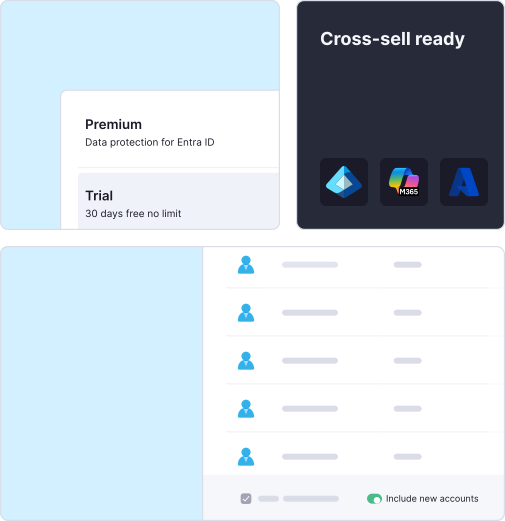
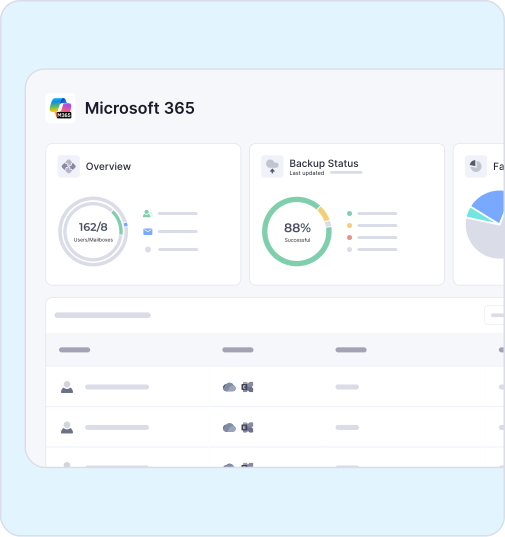
CyberSentriq delivers three key advantages for MSPs: simplified multi-tenant management, legally defensible compliance, and resilient email protection that keeps customer data secure and recoverable.

Backup and archive operations completed every day across all protected environments.
Email mailboxes archived and protected daily across all customer tenants.
Average eDiscovery search response time across a full archived mailbox.
Archive data loss incidents — immutable storage protects against deletion, corruption, and ransomware.
When a Google Workspace account is deleted, Vault data is removed with it. Without an independent archive, that email is gone permanently.
Vault search is slow and lacks chain-of-custody documentation, exposing customers and MSPs to compliance risk.
Vault data sits inside Google Workspace. A tenant compromise can corrupt or delete archived email at the same time as live data.
FINRA 4511 and SEC 17a-4 require WORM storage and independent archiving. Google Vault satisfies neither.
Five steps to deploy independent, compliant email archiving for Gmail across your Google Workspace customer tenants -- from initial configuration to ongoing compliance management.

Turn on journaling, or the platform's equivalent capture method, so every inbound and outbound email is copied to the archive automatically, without relying on end users.

Set retention periods by mailbox, group, or company-wide policy, matching the rules that apply to your industry, such as HIPAA, GDPR, or sector-specific requirements.
Confirm new email is landing in the archive as expected. Spot-check a sample of recent messages across a few mailboxes before rolling the archive out company-wide.

Run sample searches by keyword, sender, and date range to confirm staff can retrieve any message quickly, before an audit or legal request makes speed essential.
No. Google Vault is a retention and eDiscovery tool, not a compliance-grade email archive. FINRA Rule 4511 and SEC Rule 17a-4 require email to be stored in WORM (Write Once Read Many) format, on independent infrastructure that is not controlled by the same system being archived. Google Vault stores data within the Google Workspace environment it protects. If the account or tenant is compromised, suspended, or deleted, archived data is at risk. CyberSentriq stores archived Gmail in independent, immutable WORM storage outside the Google Workspace environment -- meeting the independence and integrity requirements of FINRA, SEC, and other regulatory frameworks.
See CyberSentriq Gmail ArchivingWhen a Google Workspace account is deleted, all data associated with that account -- including Vault-held email -- is removed. Google provides a grace period before permanent deletion, but this is an administrative window, not a compliance protection. For organisations with regulatory retention obligations, account deletion creates a direct compliance risk if Vault is the sole archive. An independent archive captures and retains email regardless of what happens to the source account. CyberSentriq retains archived email for the full retention period defined in the customer's policy, irrespective of account status in Google Workspace.
A legal hold freezes specified email records so they cannot be deleted or modified for the duration of litigation or a regulatory investigation. Google Vault supports basic holds, but does not produce the chain-of-custody documentation that courts and regulators require for defensible eDiscovery. CyberSentriq applies legal holds directly from the MSP management console. Holds are logged with timestamps, user attribution, and a complete audit trail from application to release. eDiscovery searches run against the full archive and return results in under 30 seconds. Exports are formatted to meet US and EU court requirements, including load file formats for legal review platforms.
Yes. CyberSentriq is built for multi-tenant MSP environments. MSPs connect all Google Workspace customer tenants to the platform and manage archiving policies, legal holds, retention schedules, and eDiscovery searches from a single console. There is no need to log in separately to each customer tenant or replicate policy configurations manually. This matters commercially as well as operationally. MSPs who can demonstrate consistent, documented compliance archiving across their customer base have a concrete differentiator when competing for Google Workspace accounts -- particularly in regulated sectors such as financial services, healthcare, and legal.
Book a CyberSentriq DemoVault is a retention and eDiscovery tool, not a compliance archive. Assuming it satisfies FINRA, SEC, or HIPAA requirements leaves customers -- and MSPs -- exposed when a regulator or court asks for documentation.
Email archiving is added after an incident in more cases than it should be. Onboarding without an independent archive means the retention clock never starts -- and any email sent before activation is unrecoverable for compliance purposes.
Legal hold requests arrive without warning. MSPs who have not tested the hold workflow before a live request will discover gaps under pressure. Testing chain-of-custody documentation before litigation is required is standard practice, not optional.
