A Request to Change Bank Details
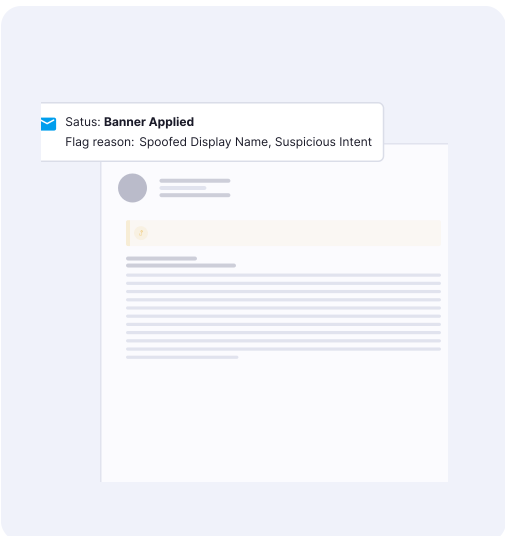
The email has no attachment and may sit in an existing thread. SentriqAI explains the risk, quarantine can intervene, and the customer verifies through a known contact.

Matthew Miller
Product Marketing Manager




The challenge
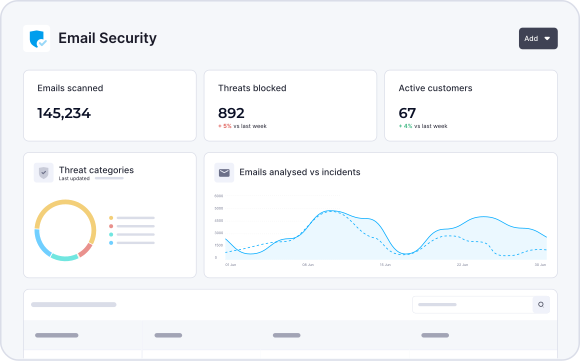
The most damaging emails often look like ordinary conversations. A familiar name, a believable thread and an urgent request can be enough. Without clear evidence, your team investigates after the damage is done and then has to explain it to the customer.
An email asks an employee to change payment details, share credentials or act on an executive request. It looks like routine business, not phishing.
Attackers copy a familiar sender and write a plausible request with no malicious attachment. Sender checks and keyword rules can miss the intent.
The customer exposes an account, shares data or approves a fraudulent payment. Your team investigates and explains it after the fact.
How the products help
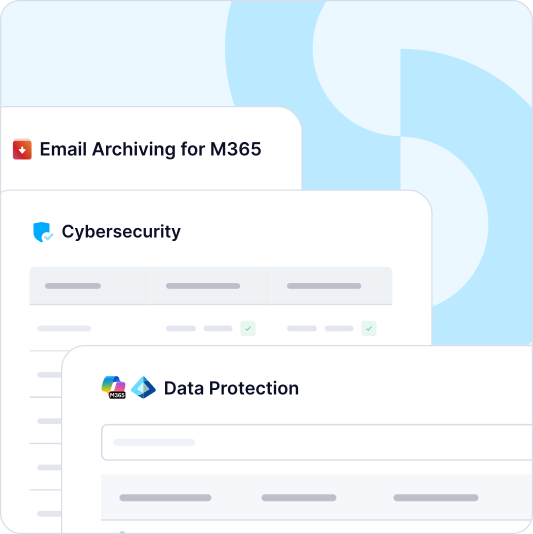
CyberSentriq Unified Email Security brings three layers into one Microsoft 365-first product:
PenPal adds relationship context by learning who each user actually corresponds with.
Microsoft now includes Defender for Office 365 Plan 1 in Microsoft 365 E3. That raises the baseline, but it does not add DMARC management, security awareness training, DNS filtering, advanced threat reporting or multi-tenant management for MSPs. Unified Email Security gives you a specialist layer you manage across every customer, working alongside Microsoft’s own controls.
A better service conversation
The most damaging emails ask for something plausible: change a bank account, share a document or sign in to an unfamiliar page. The useful question is not only whether a message looks malicious. It is whether the request fits the sender, the relationship and the customer’s normal process. The customer’s own payment and identity checks stay part of the defence.
SentriqAI’s verdict and PenPal’s relationship context give your team evidence to share, not just an alert to forward.
Show the customer whether a message was allowed, quarantined or remediated, and what that means for their staff.
Point the customer to the step they still own, such as confirming a bank-detail change through a known contact.

Five steps take each message from first check to a clear explanation. Automation handles defined responses, and your technicians stay in control of policy.
Frontline checks look for spam, malware, malicious links, harmful attachments and other known threats before messages reach users.

SentriqAI checks sender, domain, authentication, links, content, intent and history. It learns each organisation’s normal patterns and flags what does not fit.
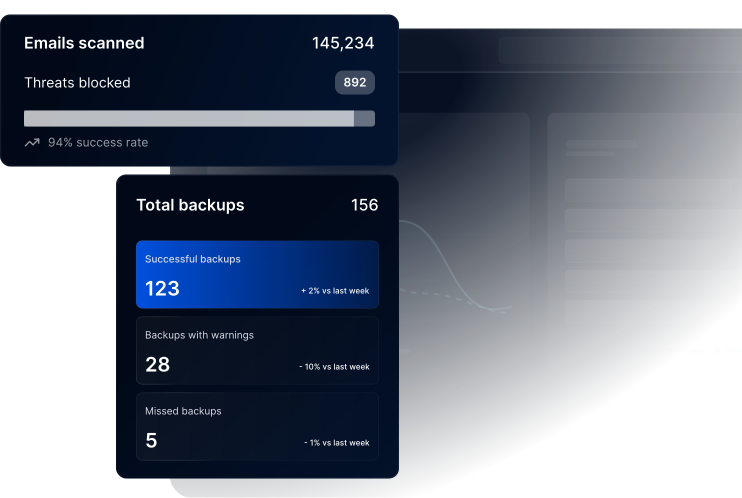
PenPal learns who users actually write to. Known contacts are assessed in context to help reduce false positives. Unusual messages from familiar names still get scrutiny.
Phishing quarantine and supported post-delivery remediation act automatically. Investigation and policy recommendations are AI-assisted, so technicians keep the final say.
Each verdict shows why a message was flagged, allowed, quarantined or remediated. Technicians check the sender, link or request and explain the outcome clearly.
Stop spam, malware, malicious links and known threats before delivery. Attachment sandboxing and time-of-click URL protection add further checks.
Monitor internal and external mail inside Microsoft 365, and catch threats that only become visible after delivery.
Learn each organization’s normal email patterns and highlight messages that do not fit, including impersonation of a familiar sender.
Learn who users actually correspond with, so known contacts are assessed in context and unusual messages from familiar names still get scrutiny.
Assess intent, sender behaviour and request context to spot BEC, executive impersonation and payment diversion attempts that carry no malicious payload.
Quarantine identified phishing automatically and remove supported threats after delivery to reduce user exposure.
See why each message was flagged, allowed, quarantined or remediated, and give the customer a clear reason for every decision.
Manage block lists at partner or customer level and apply geoblocking. Tailor protection without rebuilding policy for each tenant.
End users release or delete held mail under your policy, through a digest branded as your service. Fewer routine requests reach your help desk.

of spam, malware and malicious email blocked before it reaches the inbox
MSPs worldwide trust CyberSentriq to protect their customers
each user receives a unique, randomised phishing simulation
of cybersecurity expertise behind the CyberSentriq platform
Part of a broader platform
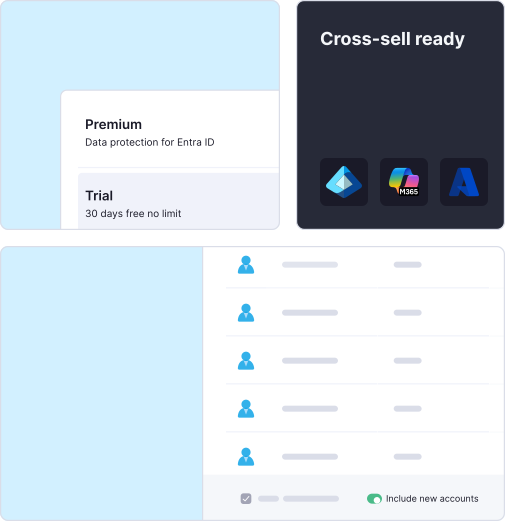
Email Security handles the message. Two further CyberSentriq services cover the gaps around it:
Each service closes a distinct gap. Your team coordinates them as one customer service, and each one gives you a clear reason to extend the account.
These services sit within the wider CyberSentriq platform, which helps MSPs:
| For your MSP team | For your customers | |
|---|---|---|
| Evidence to decide what to investigate ↔ Protection from requests that use trust | ||
| Clear verdicts to explain decisions ↔ A clear account of what happened | ||
| Fewer routine mail-handling requests ↔ Self-service release of held mail | ||
| One product across many customers ↔ Known contacts assessed in context | ||
| Clear gaps to raise in reviews ↔ Staff who practice spotting lures |
Build a repeatable service
Many email security tools add more dashboards, alerts and quarantine checks for your team. Unified Email Security gives you one coordinated product to deploy, manage, report on and explain. You can package it as a managed Microsoft 365 email protection service that includes:
Add DNS Security and Security Awareness Training when a customer review shows a further gap.
For your customers, the outcome is simple: email threats are monitored, explained and handled by their MSP. For your business, it is one standard service you can run across every tenant and grow over time.
The email has no attachment and may sit in an existing thread. SentriqAI explains the risk, quarantine can intervene, and the customer verifies through a known contact.
An email links to a fake sign-in page. Unified Email Security analyses the link and context, then quarantines or removes the message. DNS Security can block the destination.
Some threats only become visible after they reach the inbox. Inbox-level detection identifies them, and supported post-delivery remediation removes them to reduce exposure.
The explainable verdict shows why the message was flagged, quarantined, remediated or allowed. Your technician gives a clear answer with evidence to back it up.
Partner-level block lists, geoblocking and a white-label digest let you run one email protection standard across customers, with fewer routine mail requests.
AI helps attackers write clean, believable emails that copy a familiar sender. Many contain no malicious attachment or obvious link. Instead, they ask for something plausible, such as a bank-detail change, a document or a sign-in. Sender checks and keyword rules can miss the intent behind these requests, so detection needs to look at the request itself.
See SentriqAI in ActionSentriqAI examines the sender and domain, authentication, links, content, language, intent and historical email patterns. Its behavioural analysis learns how each organisation normally communicates and highlights messages that do not fit. Authentication is part of the assessment, but a message that passes an authentication check can still carry a fraudulent request.
PenPal learns who users actually correspond with. A reply from a known contact can be assessed with that context, which helps reduce false positives. Unusual messages that claim to come from a familiar person still receive scrutiny. PenPal’s relationship data also informs SentriqAI’s behavioural analysis.
Phishing quarantine and supported post-delivery remediation handle defined responses to identified threats automatically. Threat investigation and policy recommendations are AI-assisted, so your technicians review the evidence and decide on any policy change. For requests such as bank-detail changes, the customer’s own independent verification process stays part of the defence.
You run one coordinated email product across many customers. Partner-level block lists and geoblocking let you tailor protection without rebuilding policy for each tenant. A white-label digest lets end users release or delete held mail under your policy, which reduces routine requests. Explainable verdicts give you clear evidence for customer reviews, and those reviews can show where DNS Security or Security Awareness Training would close a further gap.
Book a CyberSentriq Demo