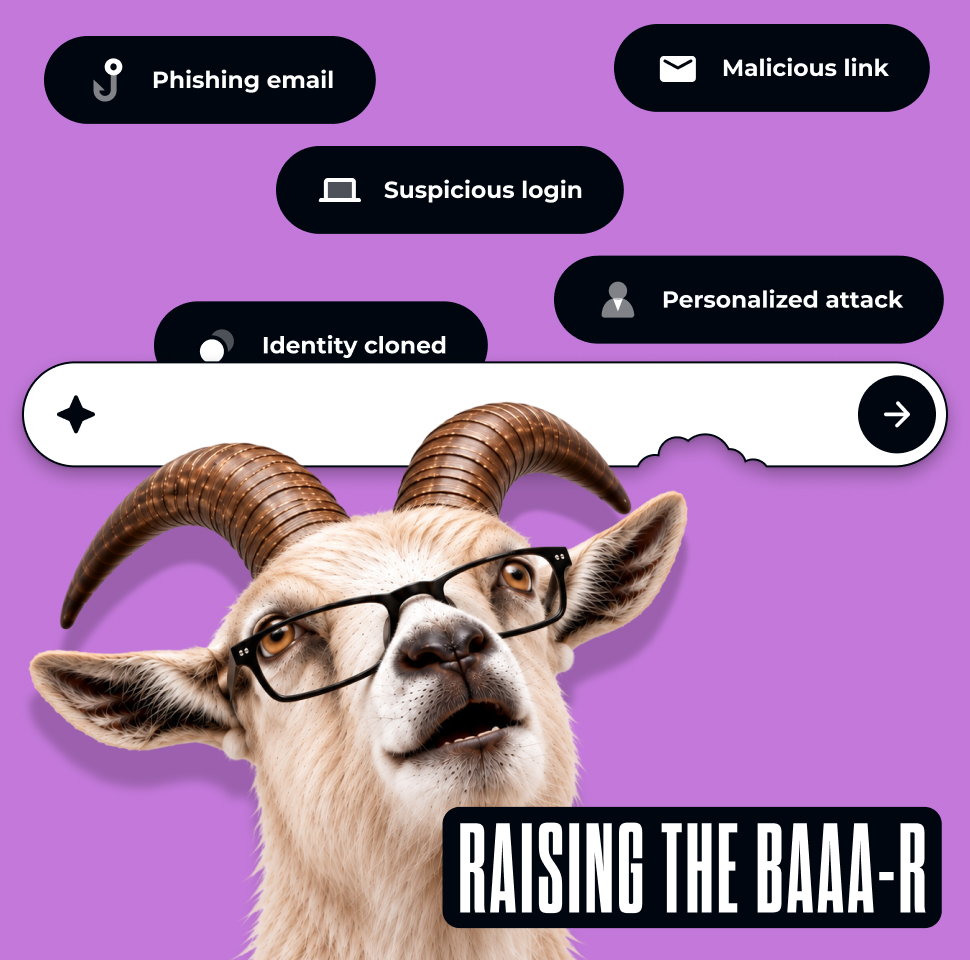
Block dangerous destinations before a visit proceeds

Matthew Miller
Product Marketing Manager
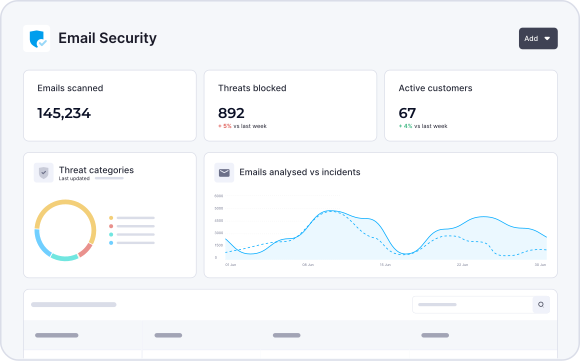
Trusted by 3,000+ MSPs worldwide




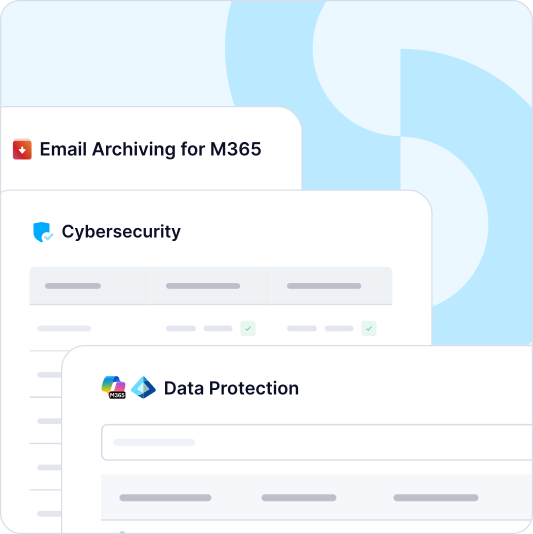
The challenge
Add enforceable web control to the customer protection service
The problem
A customer employee follows a malicious link or browses to a dangerous site, and the MSP needs a way to restrict access before the visit proceeds.
Why it happens
Harmful destinations can arrive through email, search, chat or another route. Email filtering alone does not govern every web destination, and policies can miss remote devices if the DNS service is not deployed there.
If it stays unresolved
Users on uncovered devices may reach known phishing or malware destinations, and technicians have less policy evidence to explain a block or investigate a request.
How the products help
DNS Security, delivered through CyberSentriq Web Protection, evaluates covered destination requests against threat intelligence and centrally managed category or domain policies. Directory integration, remote-workforce options and custom block pages support the deployed service. Unified Email Security assesses a message that contains a link, while Security Awareness Training uses realistic simulations and ongoing learning to help users make better decisions. The MSP verifies deployment scope, reviews available events and handles legitimate exceptions. A DNS event is one view of destination activity, not a complete endpoint investigation.
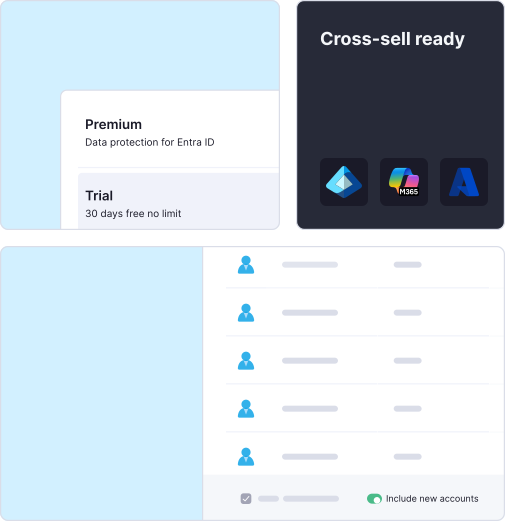

Treat deployment coverage as part of the control
A DNS policy works only for requests that pass through the protected service. That makes deployment coverage, especially for remote workers, as important to the MSP offer as the block rule itself. Map the customer's networks and devices, test the policy in representative locations, and establish an exception process. When a user reports a block, the technician should be able to explain the rule and decide whether to investigate or permit access.
In service reviews, show the categories or identified dangerous destinations blocked within the covered environment, the exceptions approved and any coverage gaps still open. This turns DNS reporting into a discussion about policy effectiveness and rollout, rather than a large count of blocked requests without context. The MSP gains an operable, repeatable web protection service; the SMB gains clearer browsing rules and reduced exposure to identified malicious destinations wherever the control is deployed.
Evaluate requests at the DNS layer
When a covered device requests a domain, DNS Security can apply the configured policy to allow or block the destination. This helps reduce exposure to known malicious sites before a user reaches them. It complements email protection: a link may arrive by email, but the destination request is a separate opportunity to apply policy.
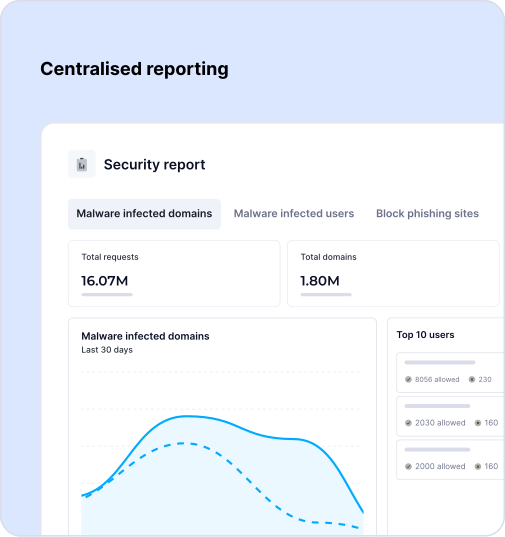

Email Protection Built for MSPs
of spam, malware and malicious email blocked before it reaches the inbox
MSPs worldwide trust CyberSentriq to protect their customers
each user receives a unique, randomised phishing simulation
of cybersecurity expertise behind the CyberSentriq platform
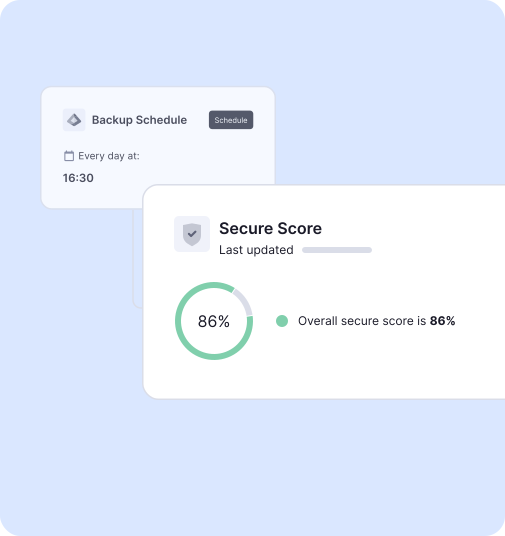
Manage protection across covered users and locations
Central policy management, predefined and customizable content categories, directory integration and remote-workforce options help you build a consistent service. Custom block pages can explain a policy decision to users. Confirm which customer networks and devices use the protected DNS service, how policies are assigned and what happens when a legitimate destination is blocked. Include remote users and exceptions in the deployment test.
Use events to support investigation and reviews
Review the available destination and policy events to explain a block, investigate a suspicious request or refine a rule. That gives your team evidence for customer conversations while keeping the scope clear: DNS activity shows requests seen by the deployed control, rather than everything that happened on an endpoint.
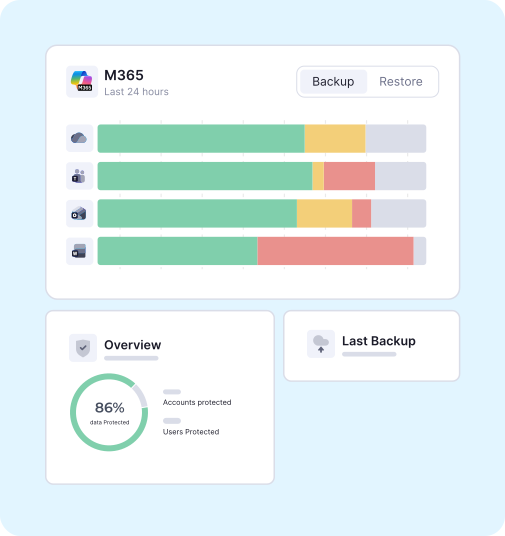
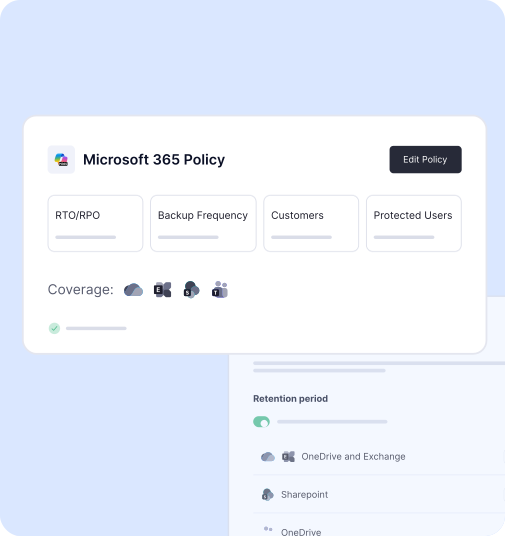
A malicious link in practice
An employee clicks a link that leads to a known malicious domain. When the device's DNS request passes through the deployed service, the configured policy can block resolution. The MSP reviews the available event, explains the decision to the customer and checks whether the device needs separate investigation. For a legitimate site caught by policy, the technician follows the exception process instead. Demonstrating both cases shows the MSP's day-to-day operating model, not just a block screen.