A Key Document Is Deleted
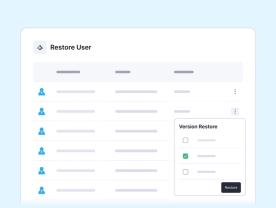
A user deletes a priority document. Your technician uses granular recovery to restore that item only, and the owner confirms it opens.

Matthew Miller
Product Marketing Manager




The challenge
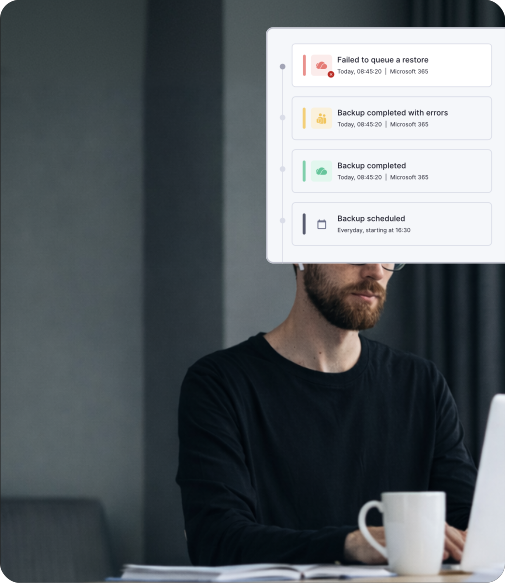
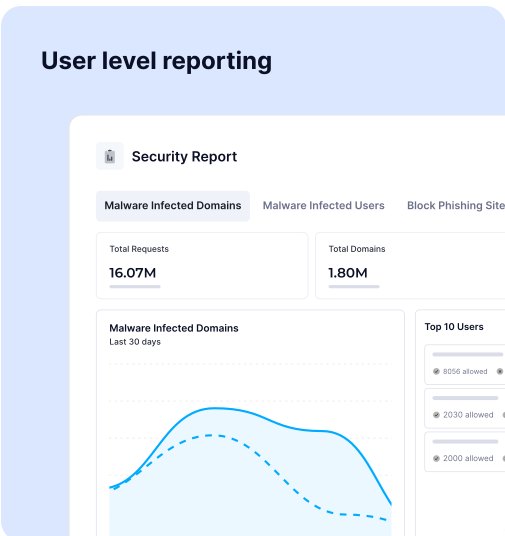
The most damaging emails often look like ordinary conversations. A familiar name, a believable thread and an urgent request can be enough. Without clear evidence, your team investigates after the damage is done and then has to explain it to the customer.
An email asks an employee to change payment details, share credentials or act on an executive request. It looks like routine business, not phishing.
Attackers copy a familiar sender and write a plausible request with no malicious attachment. Sender checks and keyword rules can miss the intent.
The customer exposes an account, shares data or approves a fraudulent payment. Your team investigates and explains it after the fact.
How the products help
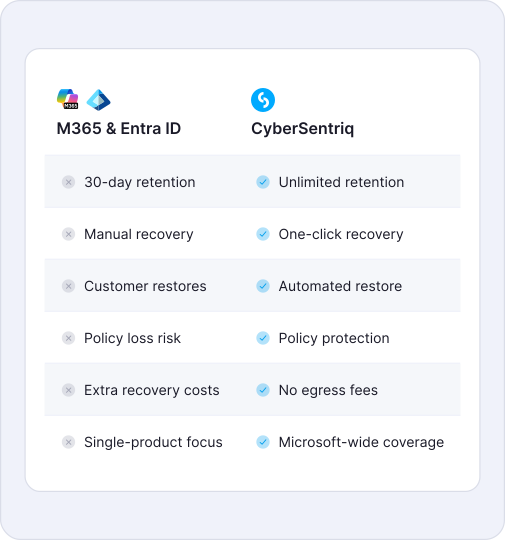
Under Microsoft’s shared responsibility model, protecting business data stays with the customer. CyberSentriq gives your team a recovery path for each type of workload:
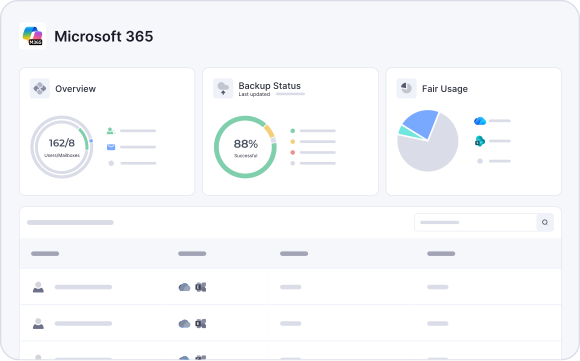
Microsoft 365 and Azure VM backups are kept on immutable, off-site storage, with no egress fees for large-scale recovery.
Your team chooses and tests the right path for each workload, then checks that the customer can use the recovered service.
A better continuity conversation
A completed backup job is an infrastructure measure. Your customer experiences recovery when an employee can open the right information and finish a priority task. Build your service around that moment. The runbook stays standard across customers, while the priority workload is specific to each one.
Set priorities with the customer before an outage, so the first restore supports a real business task rather than just a backup job.
Identify the files, machine, application, connection and permissions the task depends on. Find gaps before an outage, not during it.
Report time to first usable data separately from time to full restoration, so the customer understands what each milestone means.
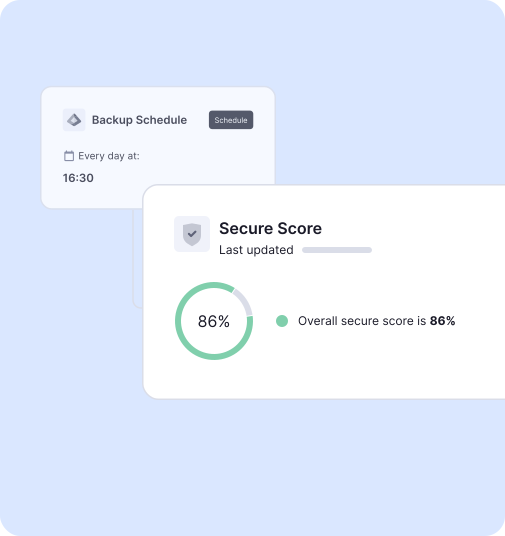
Five steps turn protected copies into a continuity service you can test, report on and repeat across every customer.
Agree which process must resume first, how long it can be down and how much recent work the customer can afford to lose.
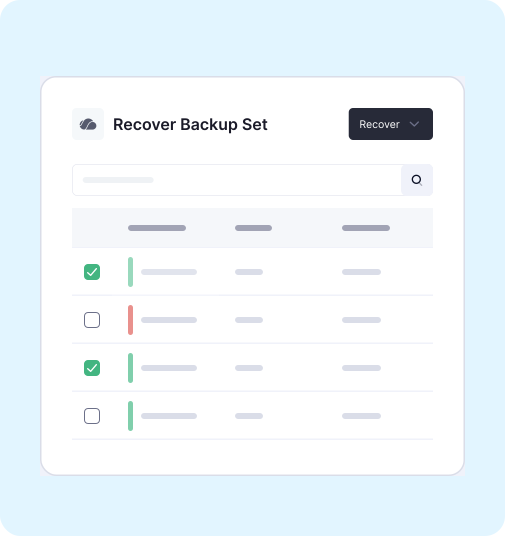
Use granular recovery for a lost file or mailbox item. Use machine or full VM recovery for a failed device or supported workload.
InstantData can make supported protected files available while recovery continues. Full application recovery may still depend on the device, network and permissions.
Backup restore automation can support execution within your agreed authority. Then confirm the right person can open and use the recovered information.
Record time to first usable data and time to full restoration. Use the results in customer reviews and to refine the continuity plan.
Protect eligible device and server data, so a failed or lost machine does not mean lost work.
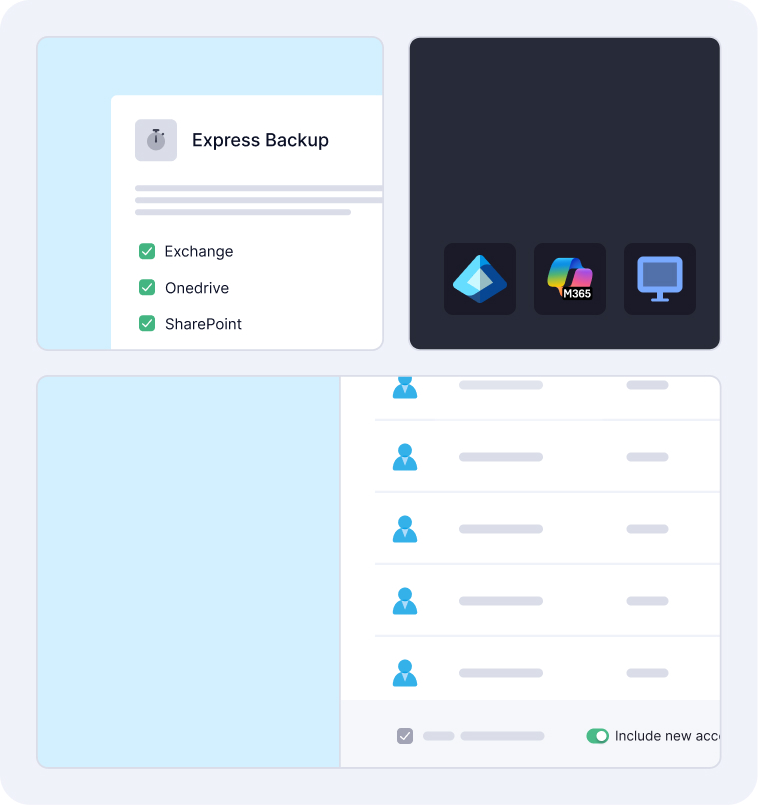
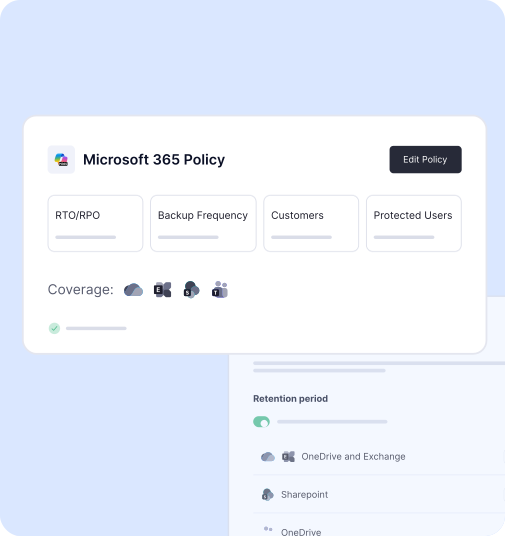
Automated daily backups of supported Exchange, OneDrive, SharePoint, Teams and OneNote data, with granular file, mailbox and item-level recovery.
Open supported protected files while the full restore runs in the background, so priority work can restart first.
Recover individual files or a full Azure VM, including configuration, storage and networking, for virtual machines in scope.
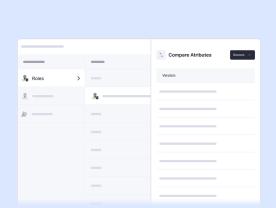
Recover supported users, groups, roles and policies when an access change is part of the disruption.
Keep tamper-proof, off-site copies of Microsoft 365 and Azure VM data. Microsoft 365 backups sit outside Microsoft infrastructure.
AI-powered malware detection checks Microsoft 365 and Azure VM backup data, helping your team restore clean data after an incident.
Run large-scale recoveries and migrations without data transfer charges, so recovery costs stay predictable for you and your customer.
Automate restore execution within your agreed authority and recovery process, reducing manual steps for your technicians.

Backups completed every day
Microsoft 365 and Entra ID users protected daily
MSPs worldwide trust CyberSentriq to protect their customers
Of cybersecurity expertise behind the CyberSentriq platform
One recovery plan
A deleted document and a failed machine need different responses, and both can depend on access. Your team brings each recovery path into one customer runbook:
Then check that the intended people can use the restored information. A restored file does not help if the user still cannot sign in or reach the application.
The runbook also gives service managers evidence for customer reviews. Restore tests reveal missing permissions, applications or recovery targets before an outage. A restore test becomes a conversation about continuity, not a screenshot of a successful backup status.
A standard runbook for your team and a recovery plan built around each customer’s priority work. Clear milestones on both sides of the service.
|
Audit trail & access control
Supports controlled archive access and audit trail capabilities for compliance management.
|
||||
|
Audit trail & access control
Supports controlled archive access and audit trail capabilities for compliance management.
|
One standard runbook for every customer ↔ A recovery plan built around their work · Both: Checked | |||
|
EntraID Backup
|
||||
|
EntraID Backup
|
For your customers | Faster choice of recovery route ↔ Earlier access to essential files · Both: Checked | ||
|
Email Archiving
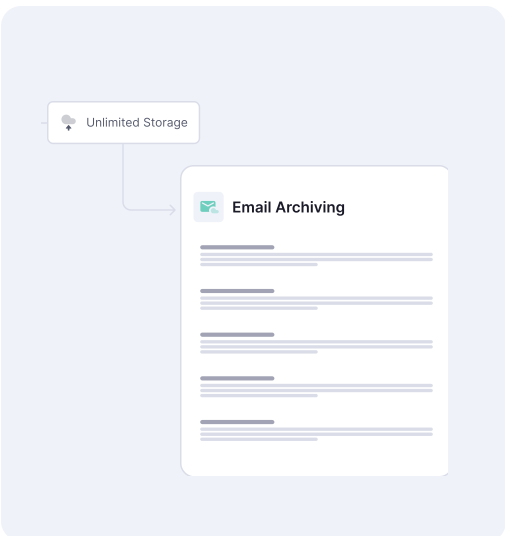
Powerful email archiving with rapid search; emails can be retrieved instantly. Optimal load performance and reduce storage costs.
|
||||
|
Email Archiving
Powerful email archiving with rapid search; emails can be retrieved instantly. Optimal load performance and reduce storage costs.
|
||||
|
DNS Filtering
|
||||
|
DNS Filtering
|
||||
|
Audit trail & access control
Supports controlled archive access and audit trail capabilities for compliance management.
|
||||
|
Audit trail & access control
Supports controlled archive access and audit trail capabilities for compliance management.
|
||||
Build a repeatable service
Most customers already assume their data is backed up. A tested continuity service gives them a more useful answer: when their priority work will resume. You can package it as a managed service that includes:
Add Entra ID Backup when access changes are part of the customer’s risk.
For your customers, the outcome is a recovery plan built around the work that matters most. For your business, it is a repeatable service that is easy to explain, test and grow across every account
A user deletes a priority document. Your technician uses granular recovery to restore that item only, and the owner confirms it opens.
Confirm which files are essential, use the supported access or restore path to get the employee working, then restore the wider environment and check applications.
An identity change blocks a team. Entra ID Backup restores the supported object, then your team checks permissions and that users can reach their data.
An Azure VM in scope fails. Recover individual files first if they are urgent, or restore the full VM with its configuration, storage and networking.
A scheduled restore test shows a missing application on the recovery target. Your team fixes it now and records the result for the customer review.
A backup is a protected copy of data. Business continuity is the customer’s ability to keep priority work going when something fails. A completed backup job does not show whether staff can open the right file on a working machine with the correct permissions. A continuity service plans and tests the route from protected copy to usable work.
See InstantData in ActionInstantData can make supported protected files available while a broader restore continues. Use it when a customer needs urgent access to specific files, for example after a device failure. Access to selected files is an important milestone, but full application recovery may also depend on the device, network, permissions and other services.
It depends on the incident. Use granular recovery for a deleted file, mailbox or item. Use broader machine recovery or full Azure VM recovery for a failed device or supported workload. Agree priorities with the customer in advance, so the first restore supports a real business task rather than simply completing a backup job.
Agree which process must resume first, how long it can be unavailable and how much recent work the customer can afford to lose. Then test a representative restore, confirm the right person can open the recovered information and record the result. Track initial access and full environment restoration as separate milestones.
It turns backup into a service with clear, measurable outcomes. A standard runbook cuts the time technicians spend choosing a recovery route under pressure. Restore test results give you evidence for customer reviews, and the gaps they uncover, such as identity dependencies or unprotected Azure workloads, open conversations about Entra ID Backup or Azure VM Backup.
Book a CyberSentriq Demo