Make business email easier to retain, find and govern

Matthew Miller
Product Marketing Manager
Trusted by 3,000+ MSPs worldwide




The challenge
Give customers a practical route from record request to relevant correspondence.
The problem
A customer needs historical correspondence for an agreement, dispute or records request and cannot retrieve it efficiently from day-to-day mailboxes.
Why it happens
Staff leave, mailboxes change and retention requirements outlast the way people use live email. The customer may also have unanswered questions about who can search records and where retained copies reside.
If it stays unresolved
Record collection becomes an urgent manual task, relevant messages can be difficult to find, and the MSP cannot give a precise answer about access or location requirements.
How the products help
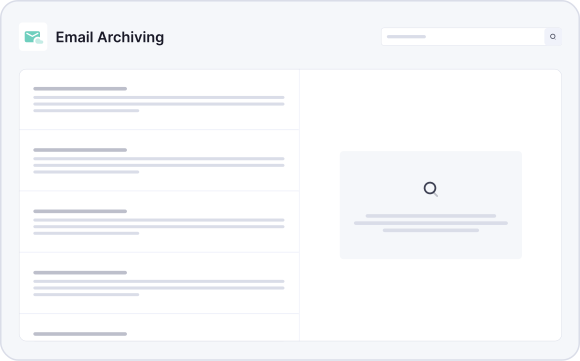
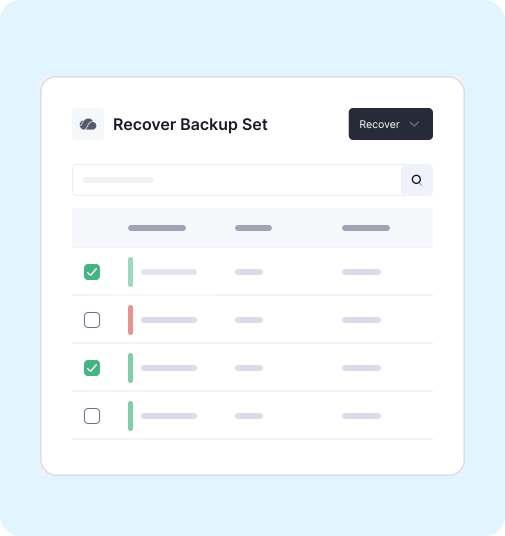
Email Archiving captures and indexes correspondence in a tamper-protected archive, with saved searches, retrieval, eDiscovery, legal hold, SSO and role-based access for authorized users. PST and Exchange import tools can bring eligible legacy mail into the service. Microsoft 365 Backup serves operational data recovery rather than long-term archive retrieval. Email Encryption separately protects sensitive messages in transit through policy-driven encryption and secure delivery options. The MSP defines retention, retrieval and access with the customer and confirms storage-location and contractual details for the deployment.
Design archiving around the questions customers will ask
Retaining email is only useful if the right person can find and produce the relevant conversation when a real request arrives. An MSP should start with likely questions: Who approved this change? What did we tell the customer? Which correspondence must be preserved? Then define retention, search roles, export approval and a retrieval test around those questions. Saved searches and legacy imports become valuable when they support that process.
This is also where sovereignty becomes specific. Map the copies, storage locations, administrator access and contractual terms to the customer's stated requirements. A regional storage claim alone cannot answer every access or custody question. The MSP gains a defined managed service instead of an urgent, open-ended mailbox hunt; the SMB gains a clearer way to retrieve records, subject to its chosen policy and legal advice. Backup remains a separate route for restoring operational data.
Capture the conversations that matter
Email Archiving captures and indexes correspondence in a tamper-protected cloud archive. It supports Microsoft 365 environments and offers PST and Exchange import tools to help bring eligible legacy mail into the customer's retention approach. Business continuity mode can support access to archived messages during a mail-service disruption. Agree the retention requirements with the customer and distinguish long-term record keeping from backup used to recover day-to-day operations.

Email Protection Built for MSPs
of spam, malware and malicious email blocked before it reaches the inbox
MSPs worldwide trust CyberSentriq to protect their customers
each user receives a unique, randomised phishing simulation
of cybersecurity expertise behind the CyberSentriq platform

Retrieve records through a controlled process
Search, retrieval, eDiscovery and legal hold capabilities help authorized users locate relevant messages. Role-based access and single sign-on support the way your team manages access. Define who can search, who can export, how requests are approved and what evidence the customer expects when a record is produced.
Address sovereignty requirements with specifics
Customers may have requirements for where information is stored, who can administer it and which contractual terms apply. Map each requirement to the relevant service, copies and access arrangements. That gives the MSP a concrete discussion with the customer rather than a general assurance about data location. Confirm the applicable storage location and terms for each deployment.
A records request in practice
A customer needs correspondence about a disputed commercial instruction. Instead of searching former employees' live mailboxes, an authorized user searches the archive, narrows the results and follows the approved retrieval or export process. The MSP can explain how access is controlled, how long the messages are retained and which storage and contractual terms apply to that deployment. The archive supports the customer's evidence process; the customer and its advisors still decide what records are required and how they must be used.