Protect the valuable work your customers create with AI

Matthew Miller
Product Marketing Manager
Trusted by 3,000+ MSPs worldwide




The challenge
Find the saved work. Protect its location. Prove it can be restored.
The problem
Valuable AI-assisted proposals, analysis, code or presentations disappear after a file is deleted, overwritten or left on a failed device.
Why it happens
Employees may create work inside an AI application but never save a usable copy in a protected location. Even exported files can sit outside the customer's selected backup scope.
If it stays unresolved
Teams may need to reconstruct finished work and cannot rely on their MSP to recover it from an AI conversation the backup service never captured.
How the products help
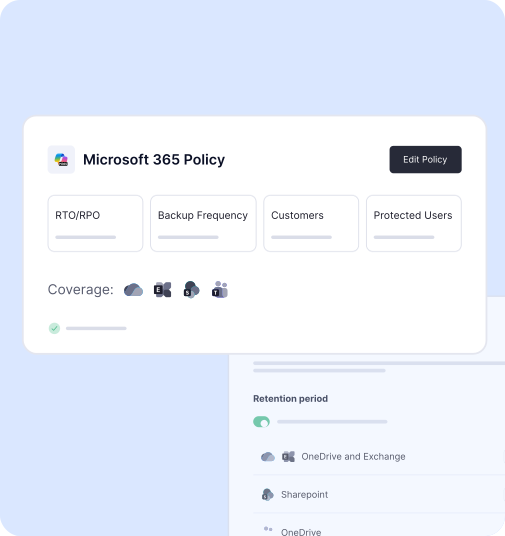
Machines Backup can protect eligible saved files on covered devices, and Microsoft 365 Backup can protect eligible outputs saved in supported OneDrive or SharePoint locations. Where a customer uses Google Workspace, Google Workspace Backup can cover supported saved content in Drive, Docs and Sheets. The MSP checks the actual location, policy, permissions and retention, then restores a representative file. DNS Security can separately support AI website access rules. These products protect eligible saved data; they do not natively back up hosted AI chats, model behavior or agent state.
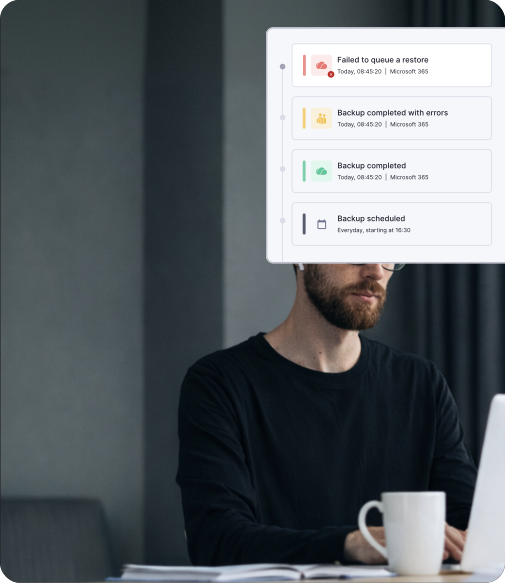
Make saving AI work part of the protection plan
The recoverable asset is usually the work product, not the AI conversation that helped create it. That makes the employee's save or export step a protection decision. In an account review, an MSP can ask where final proposals, code or analyses live, which copies are usable and whether those locations fall inside a supported backup policy. The answer may call for a better working practice before it calls for another product.
This is a useful way to engage customers adopting AI without promising native backup of every AI application. Map the valuable output to a protected device, Microsoft 365 or Google Workspace location, then restore a representative file and have its owner check it. The MSP can extend a defined backup service and document the remaining gap for chat-only work or agent state. The SMB gets a practical route to recover the work it actually needs.
Start with where the output lives
Ask which AI-assisted materials are important to the business and where employees save the finished files. An exported document on an eligible machine, a file in a supported Microsoft 365 workload and a document in Google Workspace can follow different backup paths. The protection conversation starts with a usable saved copy, its location and the policy that covers it.
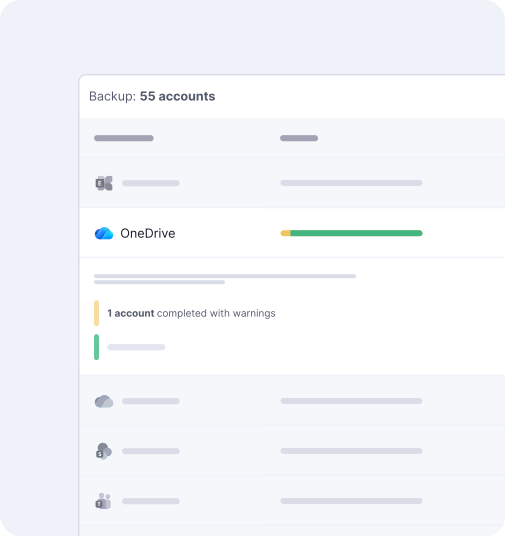

Email Protection Built for MSPs
of spam, malware and malicious email blocked before it reaches the inbox
MSPs worldwide trust CyberSentriq to protect their customers
each user receives a unique, randomised phishing simulation
of cybersecurity expertise behind the CyberSentriq platform
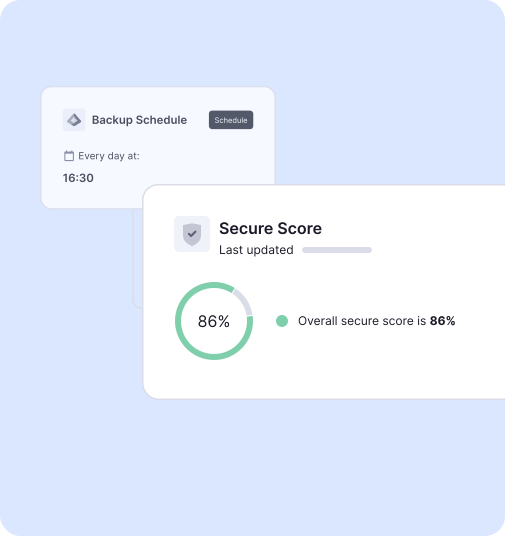
Apply the appropriate backup policy
Machines Backup can protect eligible device data, while Microsoft 365 Backup and Google Workspace Backup can protect saved data in their respective supported cloud workloads. Confirm selection, permissions, retention and successful backup for the customer's actual files. Work that exists only inside a hosted AI chat or agent workspace needs a separate save or export process; these backup products do not automatically capture the conversation or agent state.
Test the recovery of a real work product
Restore a representative proposal, analysis or other output and ask the customer to confirm that it opens and can be used. Include linked files or dependencies where they are necessary for the task. The result is a practical routine for saving and protecting valuable AI-assisted work, with any remaining gaps made clear.
A lost proposal in practice
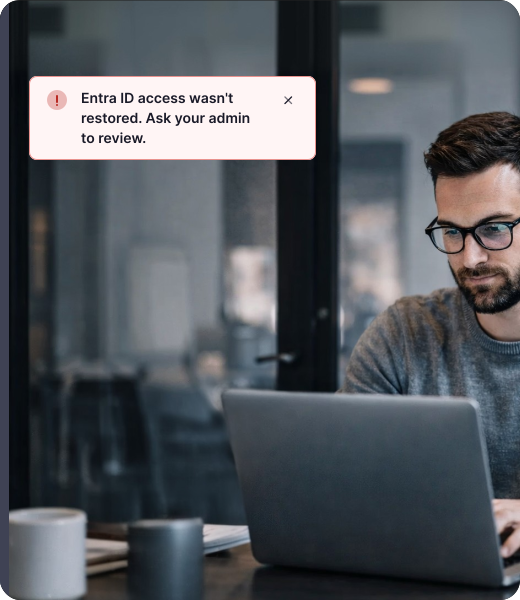
A team prepares a proposal with an AI assistant and exports the finished document to a supported Microsoft 365 location. The MSP confirms that the location is included in backup and that the required retention applies. When the file is deleted, the technician restores the relevant version and the proposal owner checks that it is usable. If the only copy had remained in the AI chat, this recovery path would not apply. That distinction gives the MSP a practical recommendation the customer can adopt before the next important project.