Individual Feature Content
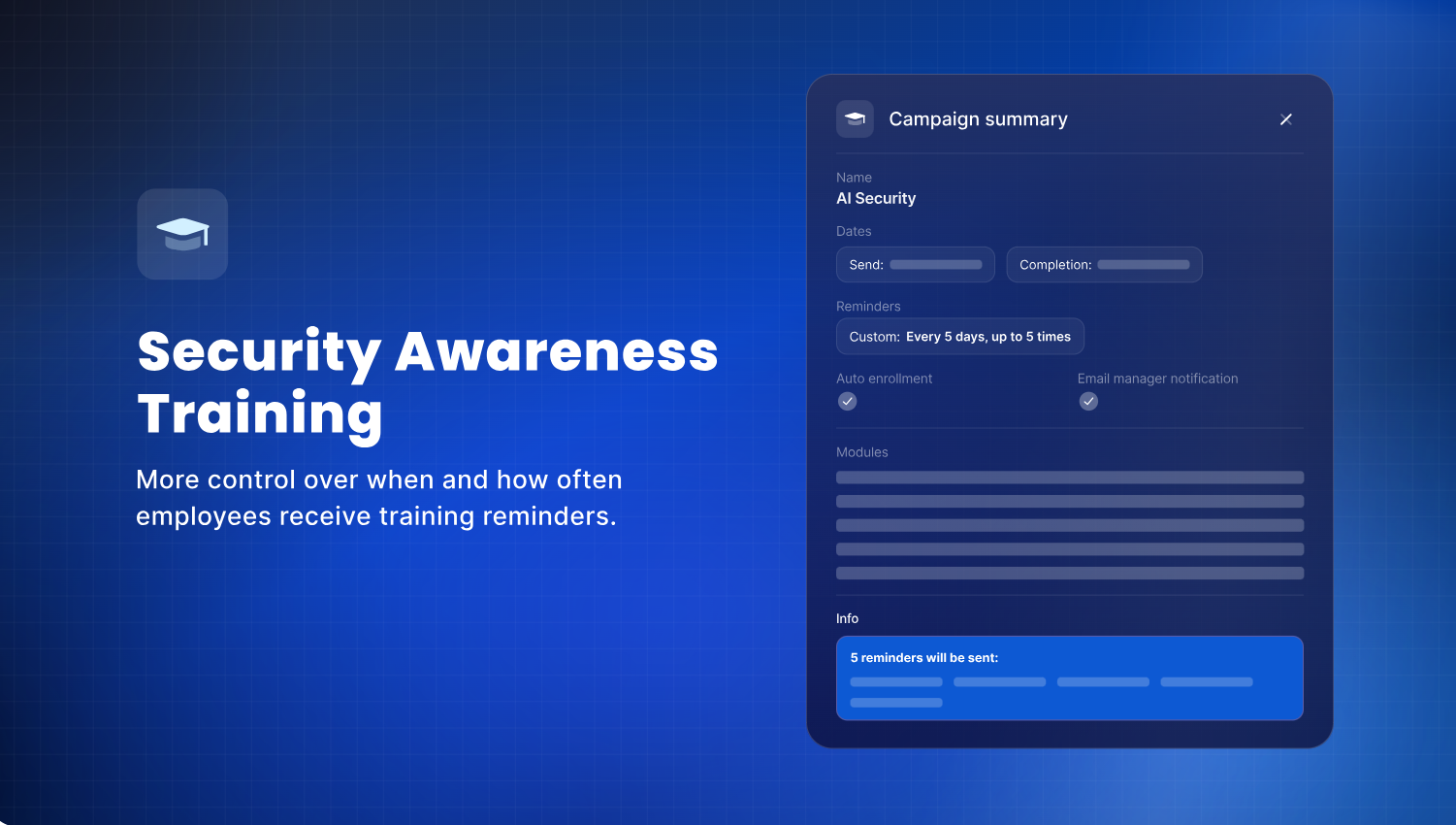
More control over when and how often employees receive training reminders.
We're introducing customizable reminder schedules for CyberSentriq Security Awareness Training (SAT), giving MSPs and administrators greater flexibility over how training reminders are managed.
Previously, training reminders followed a predefined schedule based on campaign dates. With this update, administrators can now turn reminders off, adjust their frequency, and choose how many reminders are sent throughout a campaign.
This makes it easier to align training communications with campaign timelines, organisational needs, and employee engagement strategies.
What's New?
Customise reminder frequency
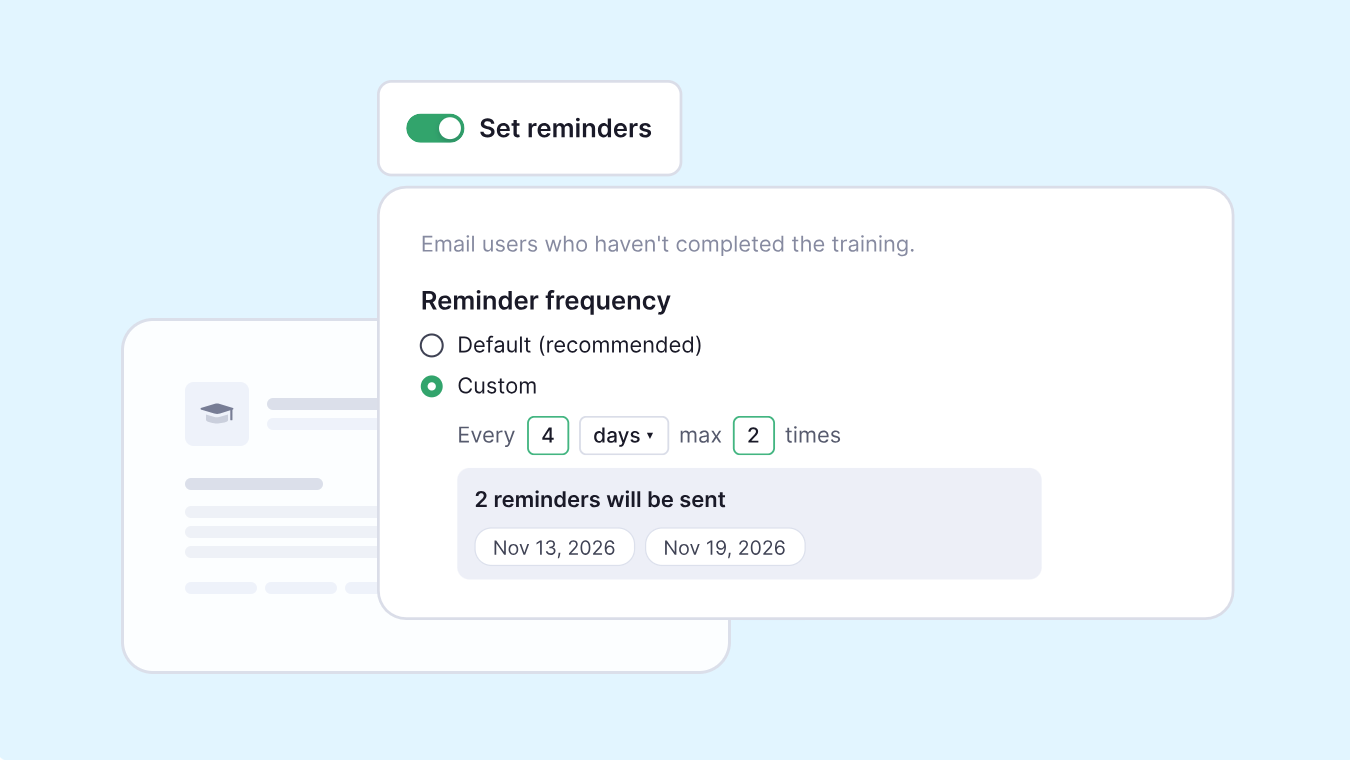
Choose between the default recommended reminder schedule or configure a custom schedule. Administrators can set reminder intervals in days or weeks and specify the number of reminders to send, up to 99.
Turn reminders on or off
Decide whether a campaign needs reminders at all. Administrators can now disable reminders when creating a campaign, providing greater flexibility for different training approaches.
Preview reminder schedules before launch
See exactly when reminders are scheduled and how many will be sent before creating a campaign, helping administrators plan communications with greater confidence.
Track upcoming and completed reminders
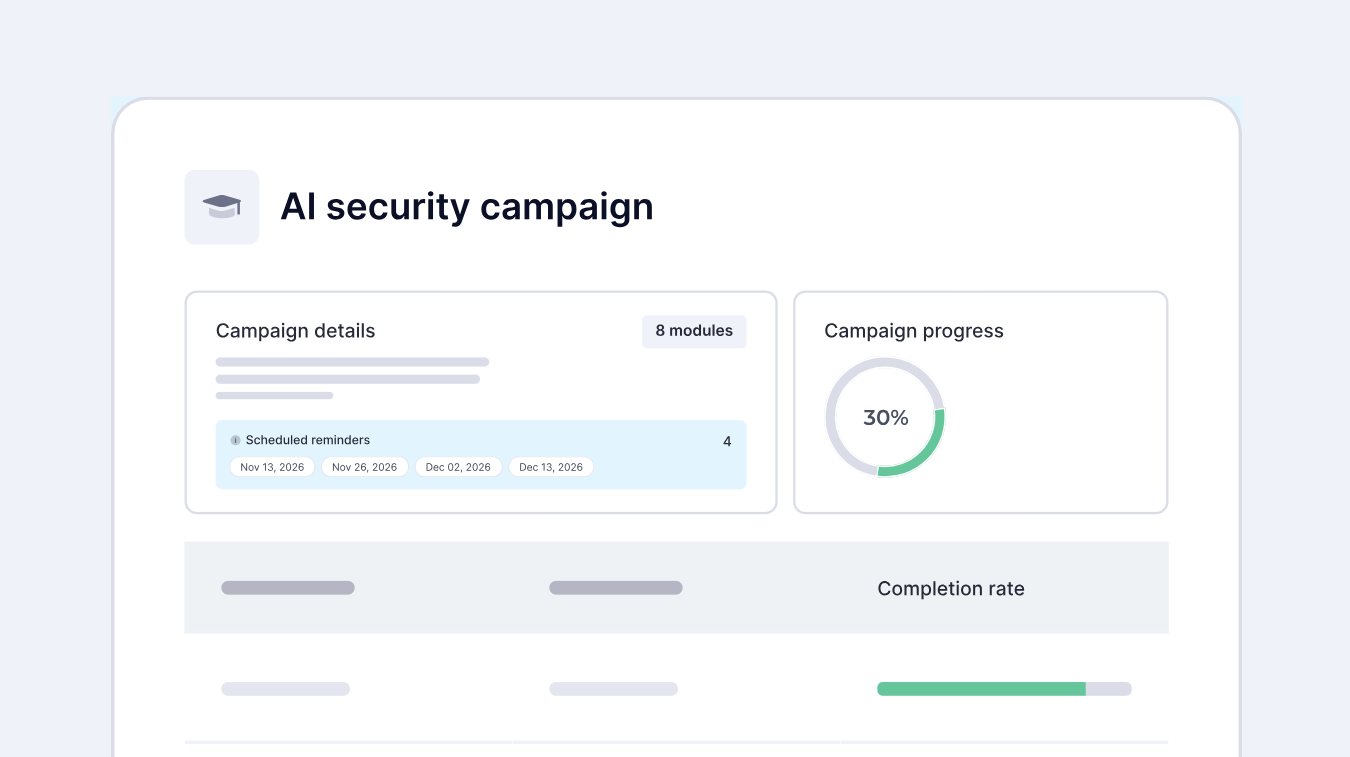
View the full reminder schedule directly from the campaign details screen, including reminders already sent and the next scheduled reminder. This information remains available for completed campaigns.
Why It Matters for MSPs
Every organisation approaches security awareness training differently. Some require frequent reminders to encourage completion, while others prefer fewer communications to avoid overwhelming employees.
With customizable reminder schedules, MSPs can:
- Tailor campaigns to customer needs: Adjust reminder frequency based on campaign duration and organisational preferences.
- Reduce unnecessary communications: Control how many reminders employees receive or turn them off entirely.
- Improve campaign visibility: See upcoming and previously scheduled reminders in one place.
- Simplify campaign management: Configure reminder schedules during campaign creation without manually managing follow-up communications.
Getting Started
When creating a new Security Awareness Training campaign, navigate to the Schedule section and select your preferred reminder settings.
Choose the default recommended schedule, configure a custom interval, or turn reminders off entirely. Review the scheduled reminder dates before launching your campaign.
Note: Reminder settings apply to newly created campaigns and cannot be changed after campaign creation. Existing campaigns will continue using their original reminder schedules.
Take greater control of your security awareness campaigns with customizable training reminders.