Individual Feature Content
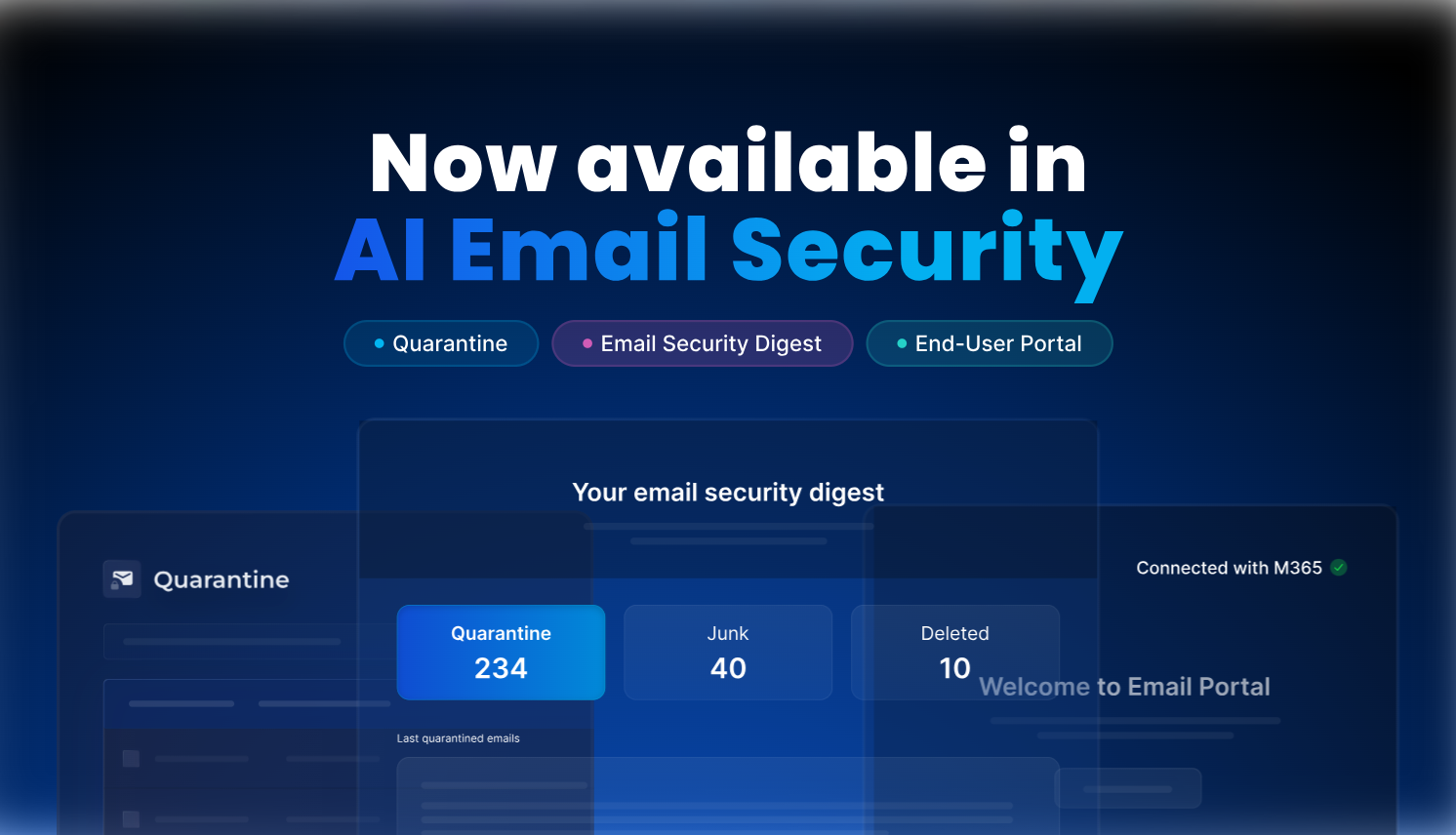
AI Email Security now gives MSPs and their customers more control over the mail the platform removes from inboxes. Three new capabilities work together: Quarantine holds suspicious mail safely out of reach, the Email Security Digest tells end users what was moved, and the End-User Portal lets them act on it themselves.
Quarantine
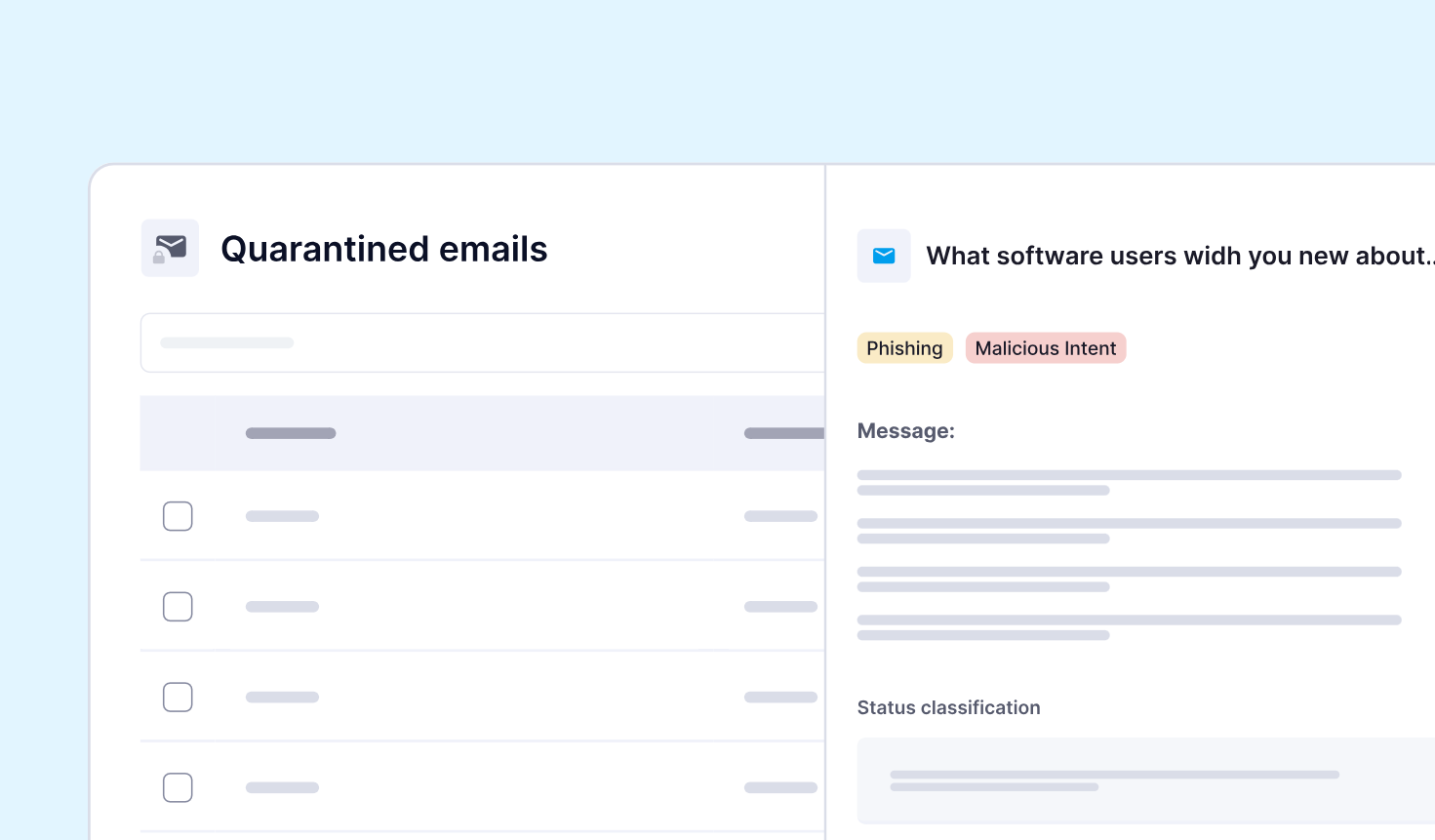
Suspicious messages can now be held in quarantine until someone makes a deliberate decision about them. Admins choose, per verdict, whether mail is remediated to quarantine. Quarantined messages are removed from the user’s inbox and can’t be opened until they’re reviewed. Admins can release or delete them from the Quarantine page or Email History, and end users can review and release their own messages through the End-User Portal. Because AI Email Security connects to Microsoft 365 via API, mail flow is never delayed or blocked.
Email Security Digest
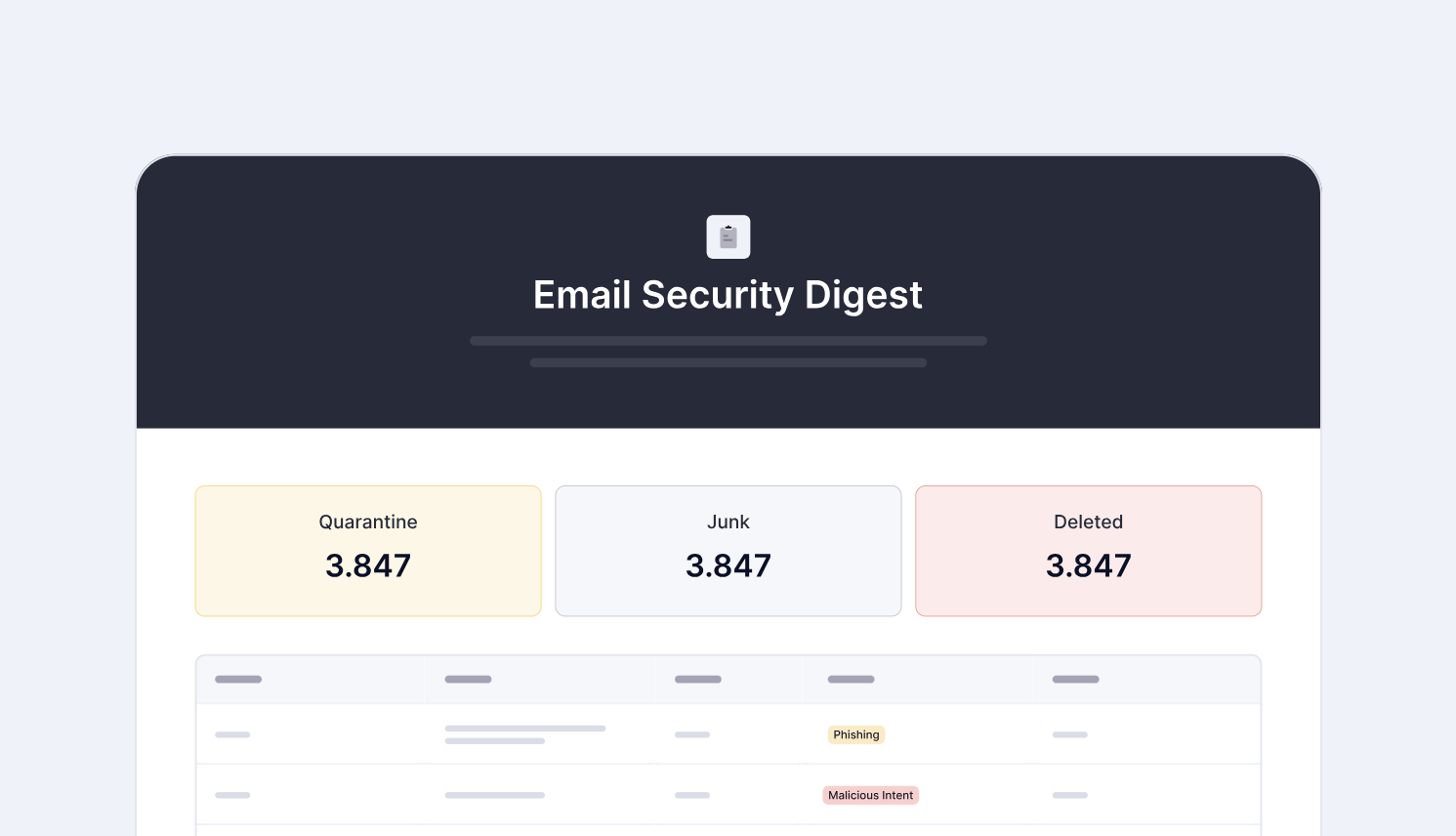
End users can now receive a scheduled email listing every message the platform moved out of their inbox, whether it was quarantined, sent to junk, or moved to deleted items. Users can release or delete messages directly from the digest without leaving their inbox. Delivery can be scheduled up to three times a day on chosen days, with times shown in each user’s Microsoft 365 time zone. Email digest emails are automatically turned off and an MSP or end user will have to active the feature from within their platform.
End-User Portal
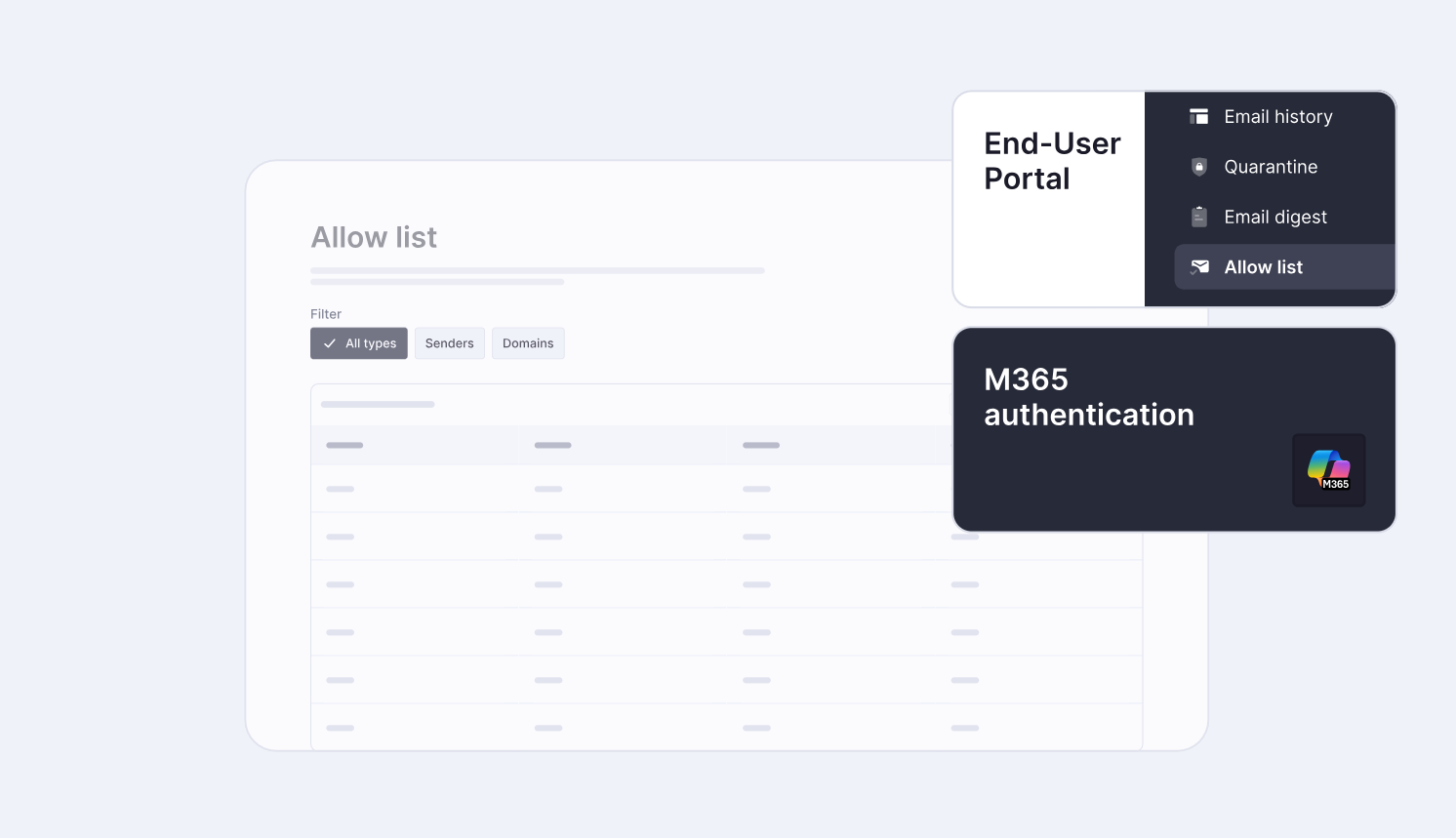
The digest links to a new self-service portal at me.cybersentriq.com, where users can manage their quarantined mail, view their own email history, and add trusted senders or domains to a personal allow list so their mail isn’t flagged as spam again. Users sign in with their existing Microsoft 365 account, so there are no extra passwords to manage. Threats such as phishing and malware are never bypassed by the allow list.
Built for MSPs
Digest settings are configured once at MSP level and inherited by customers and their end users. MSPs can lock settings to keep them consistent, or let customers and users adjust their own. Fewer false positives end up as support tickets, because users can recover legitimate mail themselves.
Getting started
Before end users sign in for the first time, an admin should visit me.cybersentriq.com, sign in with their Microsoft credentials, and tick Consent on behalf of your organization. This lets everyone in the organization access the portal without individual approval prompts.