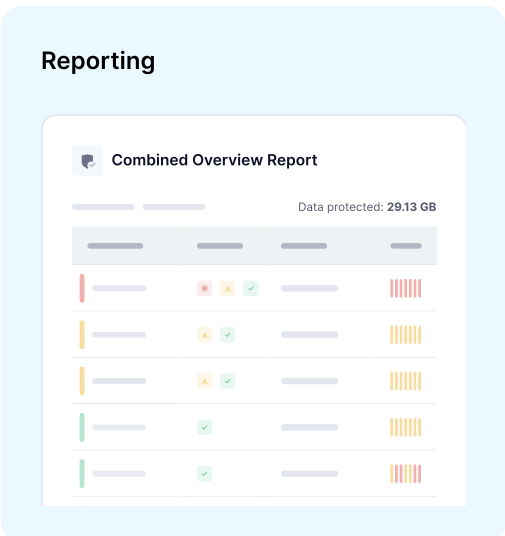
When Identity Settings Change, Recovery Matters
An incorrect Conditional Access Policy can lock employees out of essential applications. A compromised administrator account can change permissions, while accidentally deleted users or groups can disrupt access across the business.
The challenge isn't always identifying that something went wrong. It's knowing exactly what changed, finding the correct configuration and restoring it without affecting the rest of the environment.
Microsoft's native recovery and audit tools provide a starting point, but they don't cover every identity recovery scenario or long-term retention requirement. Without independent backups, restoring complex identity configurations can mean hours of manual work, increasing the risk of further errors and prolonged disruption.
Backups are completed every day.
M365 & Entra ID seats protected daily.
is Microsoft's SharePoint recycle bin limit, CyberSentriq offers unlimited retention.
Zero Downtime. Users access files instantly while restores run in the background, reducing downtime from hours to seconds.
Take the Complexity Out of Entra ID Recovery
- Restore Access After Unwanted Changes: Recover affected identity settings when accidental changes or misconfigured policies disrupt access to business applications.
- Avoid Rebuilding Configurations Manually: Restore backed-up users, roles and settings instead of recreating complex identity configurations from scratch.
- Identify and Reverse Unauthorized Changes: Track changes to permissions, policies and group memberships to help investigate account compromise and recover affected configurations.
- Recover Beyond Native Limitations: Keep historical identity settings available for recovery, even when they fall outside Microsoft's native recovery or audit windows.
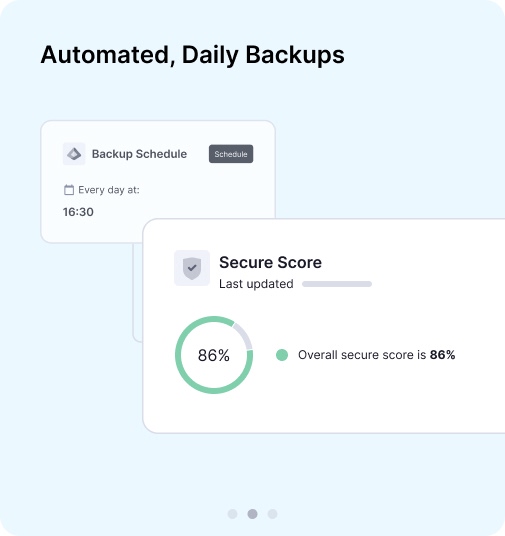
How CyberSentriq Entra ID Backup & Recovery Works
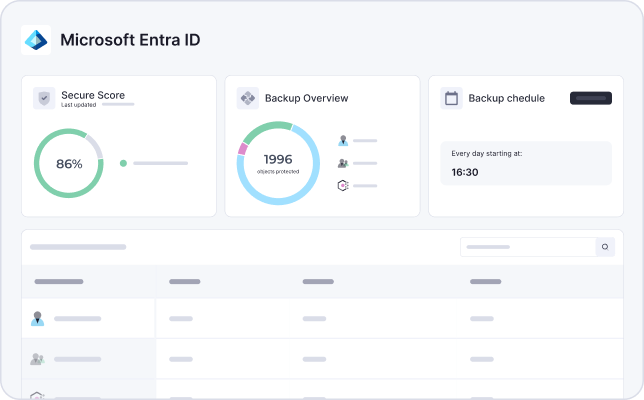
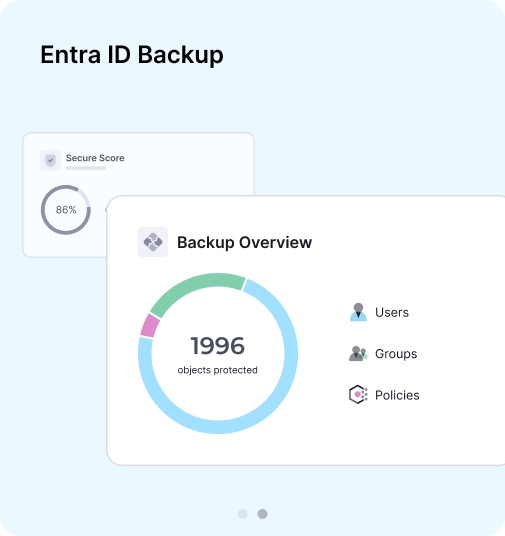
CyberSentriq backs up Microsoft Entra ID users, groups, roles, permissions and key identity configurations, keeping independent copies in secure, immutable off-site storage.
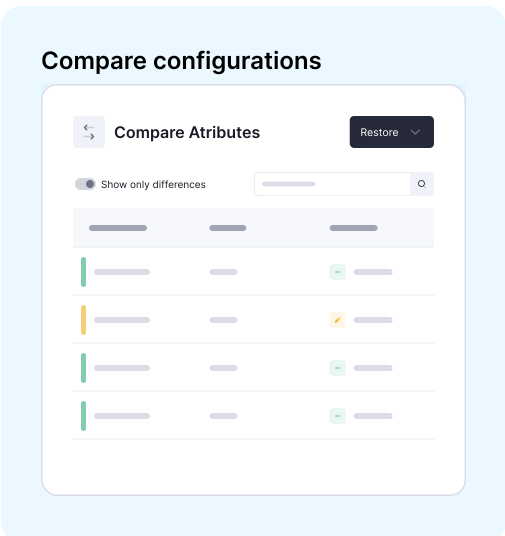
When changes occur, administrators can review historical versions, compare configurations and identify what needs to be restored.
From recovering an individual user to restoring affected access policies or identity relationships, CyberSentriq provides flexible recovery options that reduce manual work and help restore normal access.
Essential features of a secure and robust Entra ID backup
Comprehensive Identity Protection
Back up Entra ID users, groups, roles, permissions, licenses, memberships and identity relationships.
Conditional Access & Intune Protection
Protect critical Conditional Access Policies and Intune configurations, with recovery options when changes cause disruption.
Granular Identity Recovery
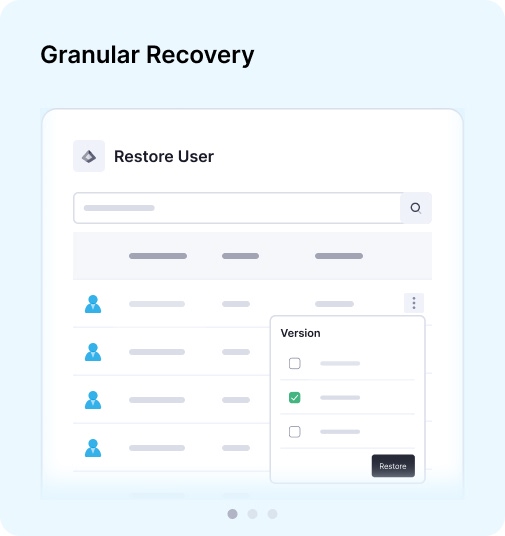
Restore individual users, attributes, permissions and configurations without rebuilding the entire identity environment.
Identity Change Tracking & Comparison
Track configuration changes, compare historical versions and identify modifications that need to be reversed.
Secure, Immutable Off-Site Storage
Keep protected identity backups outside the primary Microsoft environment, safeguarding recovery copies against tampering.
Extended Retention & Audit History
Retain historical identity configurations with detailed audit logs and version history to support investigations, compliance and recovery.
Common Customer Risk Scenarios
A Conditional Access Policy Locks Users Out
An administrator changes a policy and employees lose access to Microsoft 365 applications. CyberSentriq helps identify the change and restore the affected configuration.
An Administrator Account Is Compromised
An attacker modifies permissions, roles or group memberships. Identity change tracking helps identify unauthorized changes and recover affected settings.
An Important User or Group Is Deleted
An administrative mistake removes a user or group that other systems depend on. CyberSentriq helps restore the deleted identity information and associated settings.
A Configuration Change Disrupts Application Access
Changes to permissions or identity relationships prevent users from accessing connected applications. Historical configuration records help identify and reverse the issue.
A Customer Needs to Review Historical Changes
A business needs to investigate who had access to critical systems or how permissions changed. Backup history and audit records help support the review.
Make Entra ID Backup Easier to Manage and Deliver
CyberSentriq helps MSPs manage identity backup and recovery across customer environments, reducing the time spent investigating changes and rebuilding configurations.
- Reduce Manual Recovery Work
Restore protected identity settings without having to recreate users, roles, permissions or policies manually.
- Investigate Configuration Issues Faster
Use change tracking and version comparisons to understand what changed before starting recovery.
- Protect Critical Customer Access
Maintain recoverable copies of important identity settings, helping customers recover from access disruptions and configuration errors.
- Support Customer Reviews and Compliance
Use historical configuration records and audit information to support investigations, recovery reviews and compliance requirements.
- Build an Ongoing Identity Recovery Service
Offer identity backup, configuration reviews, recovery testing and restore support as part of a managed service.